DVD Region Code:
DVD Player and discs are designed with region numbers which dictate the region (printed on the rear panel of
the DVD case). If the region number does not match the region number your DVD player is set to, you will not
be able to play the disc. If you try to play the DVD, the message “WRONG REGION” will appear on OSD. The
region number of this player is 4.
Types of Discs:
The following discs may be used with this player:
DVD/DVD±R/DVD±RW/CD/CD-R/CD-RW/VCD/MP3/MPEG4
DVDs:
Discs usually recorded with multi -titles. Titles may be divided in to chapters.
Video CDs:
Discs are generally divided into tracks.
Audio CDs and MP3:
Disc divided into tracks.
Please note:
Do not play CD-G,CD-EXTRA,CD-ROM and DVD-ROM discs.
Do not play illegally produced discs.
Do not play scratched discs.
Do not play discs that are dusty, soiled or marked with fingerprints.
Glossary of Disc Terms:
Title(DVD):
The longest sections of a picture or a music piece on a DVD: a movie, etc., for a picture piece on a video
software; or an album, etc., for a music piece and audio software. Each title is assigned a title number
enabling you to locate the title you want.
Chapter(DVD):
Sections of a picture or a music piece that is smaller than titles. A title is composed of several chapters.
Each chapter is assigned a chapter number enabling you to locate the chapter you want. Depending on the
disc, no chapters may be recorded.
Track(Video or Audio CD):
Sections of a picture or a music piece on a VIDEO or an audio CD. Each track is assigned a track number
enabling you to locate the track you want.
Conventions used in this Manual:
Instructions in this manual describe the controls on the system. You can also use the controls on the remote
control if they have the same or similar names as those on the system.
The types of functions and operations that can be used for a particular disc vary depending on the features of
that disc. In some cases, these functions and operations may differ from the descriptions given in this manual.
In this event, follow the instructions given on the screen. This manual only covers basic disc operations.
For some functions, the icon may appear on the screen. This indicates that the functions described in this
manual are not allowed for that specific disc.
The drawings of the front panel display used in this manual are purely for explanation purposes. The actual
display may differ slightly from what is shown here.
Notes about Discs:
Disc Handling Precautions:
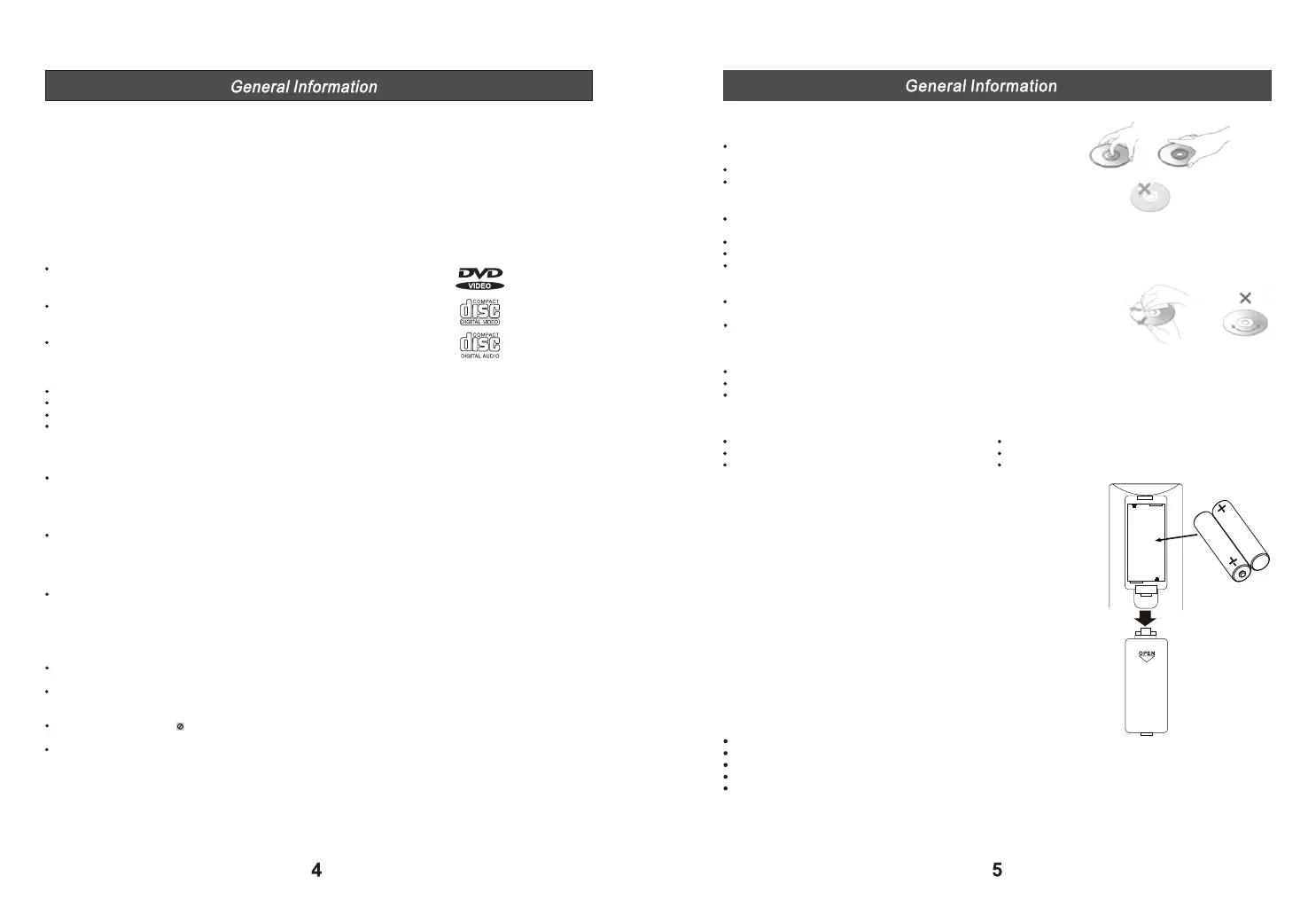
To keep the disc clean, handle the disc by its edge.
Do not touch the surface.
Do not stick paper or tape on the disc.
If there is glue (or a similar substance) on the disc, remove the glue
completely before using the disc.
Do not expose the disc to direct sunlight or heat sources such as hot air ducts or leave it in a car parked in
direct sunlight as there may be a considerable rise in temperature inside the car.
After playing, store the disc in its case.
Do not write on the label side with a ball-point pen or other writing utensils.
Be careful not to drop or bend the disc.
Disc Cleaning Precautions:
Before playing, clean the disc with a soft clean cloth. Wipe the disc from the
centre out.
Do not use solvents such as benzene, thinner, commercially available
cleaners or anti-static sprays intended for vinyl LPs.
Disc Installing Precautions:
Do not install more than 1 disc on the disc tray.
Do not place the disc on the tray upside down.
Do not try to close the disc tray when the disc is not installed properly.
Accessories:
Check that you have the following items:
Main unit +2 speakers Remote control
2X'AAA' batteries AV cable
FM antenna(attached to the unit) User manual
Inserting Batteries into the Remote Control:
The system can be controlled using the supplied remote Insert 2 X'AAA'
batteries by matching the +and- in the battery compartment. When using
the remote, point it at the remote sensor on the front panel of the system.
Please note:
Do not leave the remote in an extremely hot or humid place.
Do not use a new battery with an old one.
Do not drop any foreign objects into the remote casing.
Do not expose the unit to direct sunlight.
If you do not intend to use the remote for an extended period of time, remove the batteries to avoid possible
damage from battery leakage and corrosion.


 To Next Page