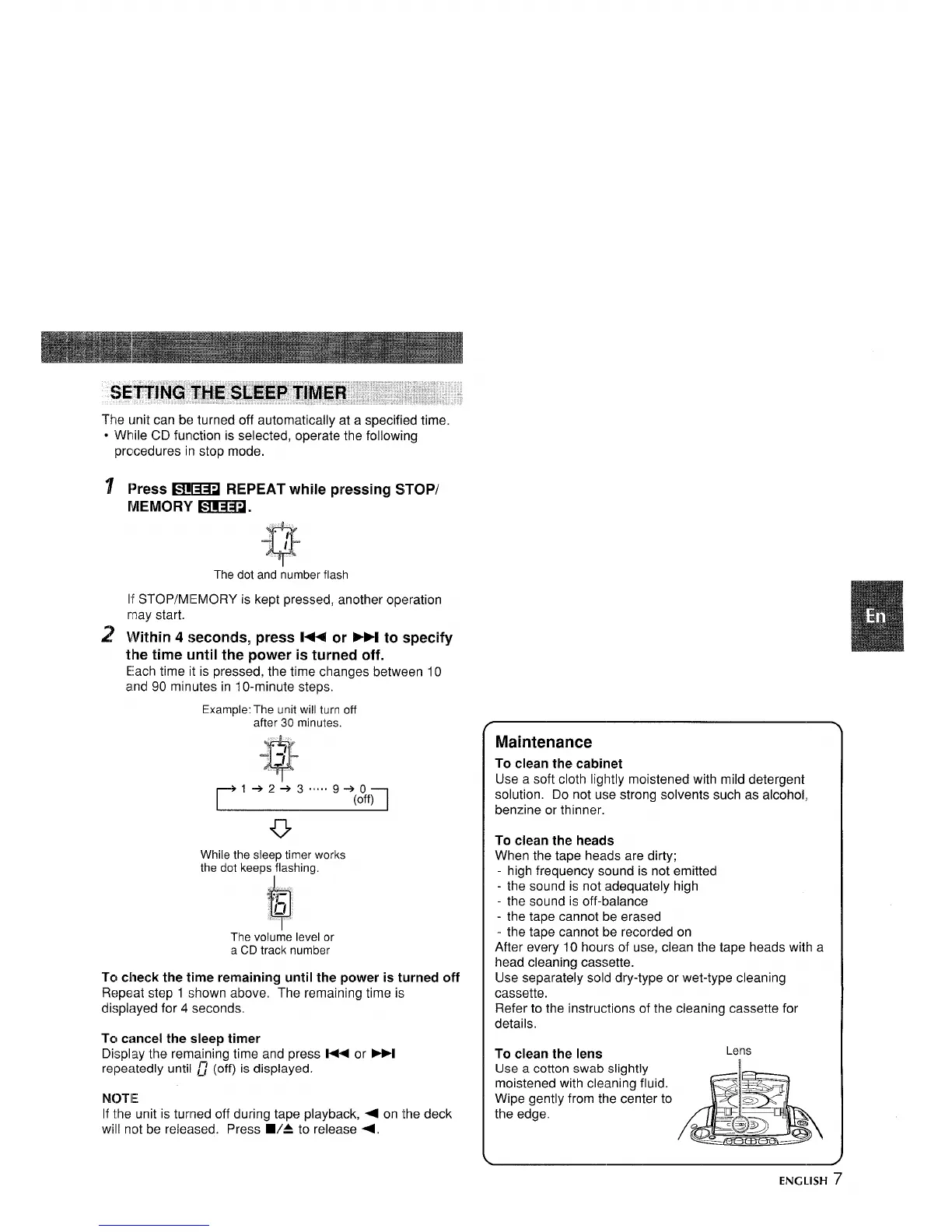
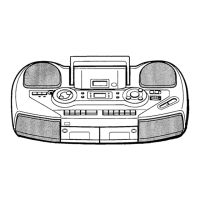
The unit can be turned off automatically at a specified time.
● While CD function is selected, operate the following
procedures in stop mode.
Press FTlm REPEAT while pressing STOP/
MEMORY ~F1l.
Q
-“ /
The dot and number flash
If STOP/M IEMORY is kept pressed, another operation
may start.
Within 4
seconds, press l++ or >>1 to specify
the time until the p-ower is turned off.
Each time it is pressed, the time changes between 10
and 90 minutes in 10-minute steps.
Example: The unit will turn off
after 30 minutes.
Q
-“-/
/
1+2+3 ..... 9+0
(off)
u
While the sleep timer works
the
dot keeps flashing.
The volume level or
a CD track number
To check the time remaining until the power is turned off
Repeat step 1 shown above. The remaining time is
displayed for 4 seconds.
TCIcancel the sleep timer
Display the remaining time and press l+< or ml
repeatedly until ~ (off) is displayed.
N(>TIE
If the unit is turned off during tape playback, + on the deck
will not be released. Press WA to release +.
Maintenance
To clean the cabinet
Use a soft cloth lightly moistened with mild detergent
solution. Do not use strong solvents such as alcohol,
benzine or thinner.
To clean the heads
When the tape heads are dirty;
- high frequency sound is not emitted
- the sound is not adequately high
- the sound is off-balance
- the tape cannot be erased
- the tape cannot be recorded on
After every 10 hours of use, clean the tape heads with a
head cleaning cassette.
Use separately sold dry-type or wet-type cleaning
cassette.
Refer to the instructions of the cleaning cassette for
details.
To clean the lens
Lens
Use a cotton swab slightly
moistened with cleaning fluid.
Wipe gently from the center to
the edge.
ENGLISH 7



 To Next Page