4
ENGLISH
AM antenna
FM antenna
PREPARATIONS
CONNECTIONS
Before connecting the AC cord
The rated voltage of your unit shown on the rear panel is
120 V AC. Check that the rated voltage matches your local voltage.
IMPORTANT
Connect the speakers, antennas, and all optional equipment first.
Then connect the AC cord.
22
22
2 Connect the supplied antennas.
Connect the FM antenna to FM 75 Ω terminals and the AM
antenna to AM LOOP terminals.
33
33
3 Connect the AC cord to an AC outlet.
• The DEMO will begin when the AC cord is plugged into
an AC outlet for the first time. To deactivate the DEMO,
set the clock.
11
11
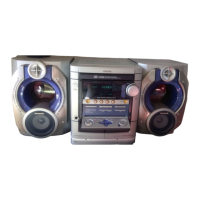
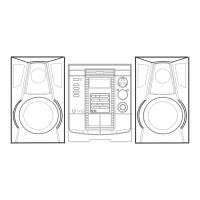
1 Connect the right and left speakers to the main
unit.
Connect the right speaker cord to SPEAKERS R terminals,
and left to SPEAKERS L terminals.
The speaker cord with the white stripe should be connected
to 0 terminal and the black cord to 9 terminal.
Be sure to connect the speaker cords correctly. Improper
connections can cause short circuits in SPEAKERS terminals.



 To Next Page
 Loading...