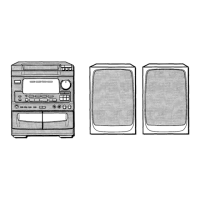
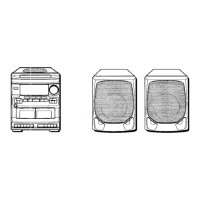
CONNECTIONS
IMPORTANT
● Connect the AC cord after connecting speakers, antennas, and
all optional equipment.
● The speaker marked R is the right speaker, and marked L is
the left speaker.
1
2
3
4
Connect the SX-FNV50 right speaker to the unit.
Connect the surround speaker cord @ to the SURROUND
SPEAKERS R terminal, and speaker cord @ to the
SPEAKERS R terminals.
● The cord with the white stripe should be connected to the @
terminal and the black cord to the @ terminal.
Connect the other SX-FNV50 left speaker to the
unit.
Connect the surround speaker cord to the SURROUND
SPEAKERS L terminal, and speaker cord to the SPEAKERS
L terminals in the same manner as step 1.
Connect the supplied AM antenna @ and
FM
antenna @.
Connect the AC cord to an AC outlet.
To be continued.
8


 To Next Page
 Loading...