BLUETOOTH PAIRING
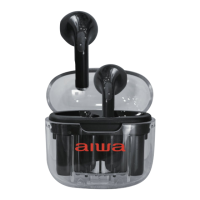
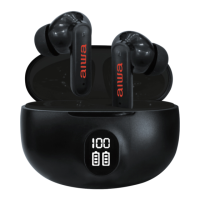
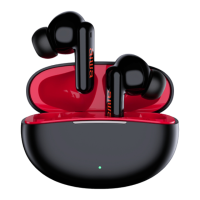
AIWA Prodigy Clear Plus
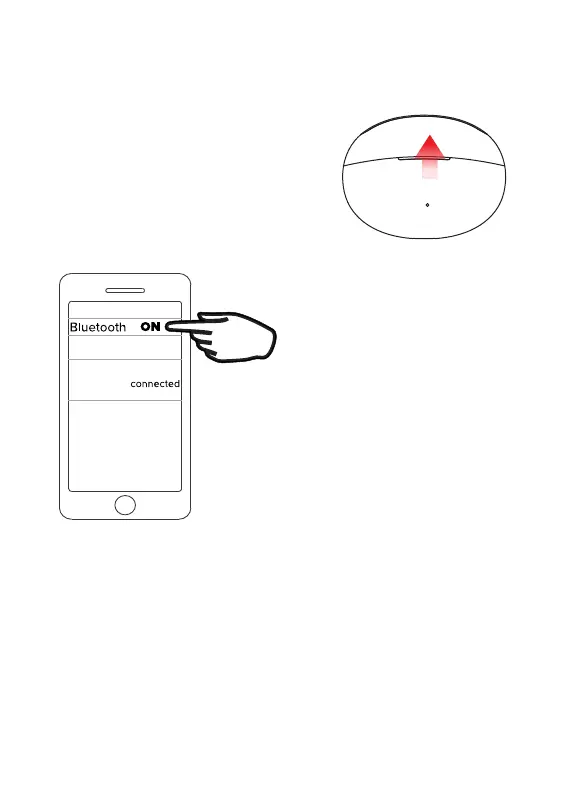
Go to the Bluetooth settings menu on your phone.
Make sure that Bluetooth is turned on. Connect to
the device listed as “AIWA Prodigy Clear Plus.”
Troubleshooting
When removed from the case the earbuds will
find each other and pair together
(TWS pairing).
On first use this might take 15S.
Once they have paired together they
are ready to pair to your phone.
If for some reason the earbuds do not pair together you can reset the TWS pairing.
‘Forget’ the earbuds in your phones Bluetooth Settings. Place them back in
the case (which must be charged). Now take them out and wait at least 15S
for them to pair together.
Only once they have paired together pair them to your phone.


 To Next Page