USING YOUR EARPHONES
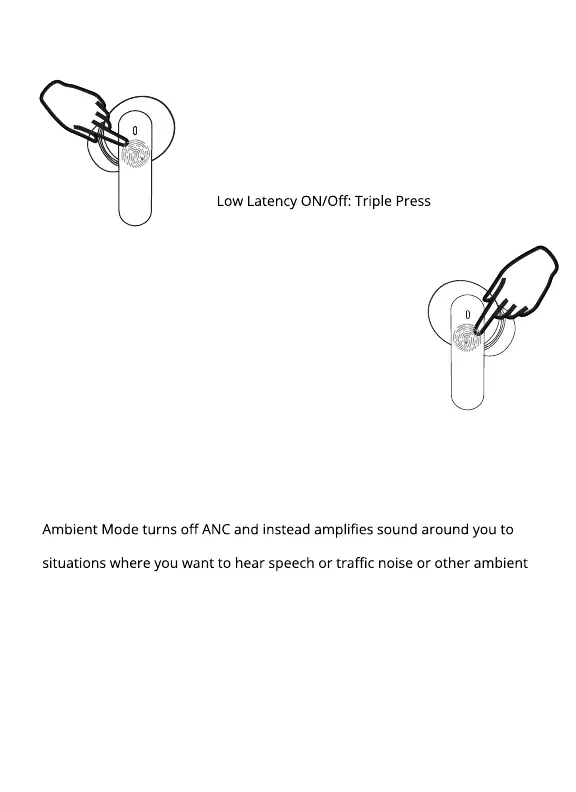
LEFT EARPHONE
RIGHT EARPHONE
Decrease Volume: Press
Previous Track: Double Press
Voice Assistant: Press and Hold for 2-3 Seconds
Answer Call: Press
Increase Volume: Press
Next Track: Double Press
Play/Pause: Press and Hold for 2-3 Seconds
ANC ON/Ambient ON/ Sound Modes OFF: Triple Press
ANC actively cancels noise around you so that you hear more clearly with less
distraction.
ANC (Active Noise Canceling)
counteract the passive noise reduction of the earphones. This is best for
sounds.
Ambient Mode
The Clear Calling feature uses two microphones to cancel noise pickup in
your microphone channel on calls. Clear calling is always enabled when a
call is made and can be used with ANC.
Clear Calling
This mode reduces the latency (time delay) inherent in Bluetooth connec-
tions . This mode gives best lip-sync performance for movies and fastest
audio response for mobile gaming.
Low Latency Mode


 To Next Page