Adjusting the angle of view of the AVM
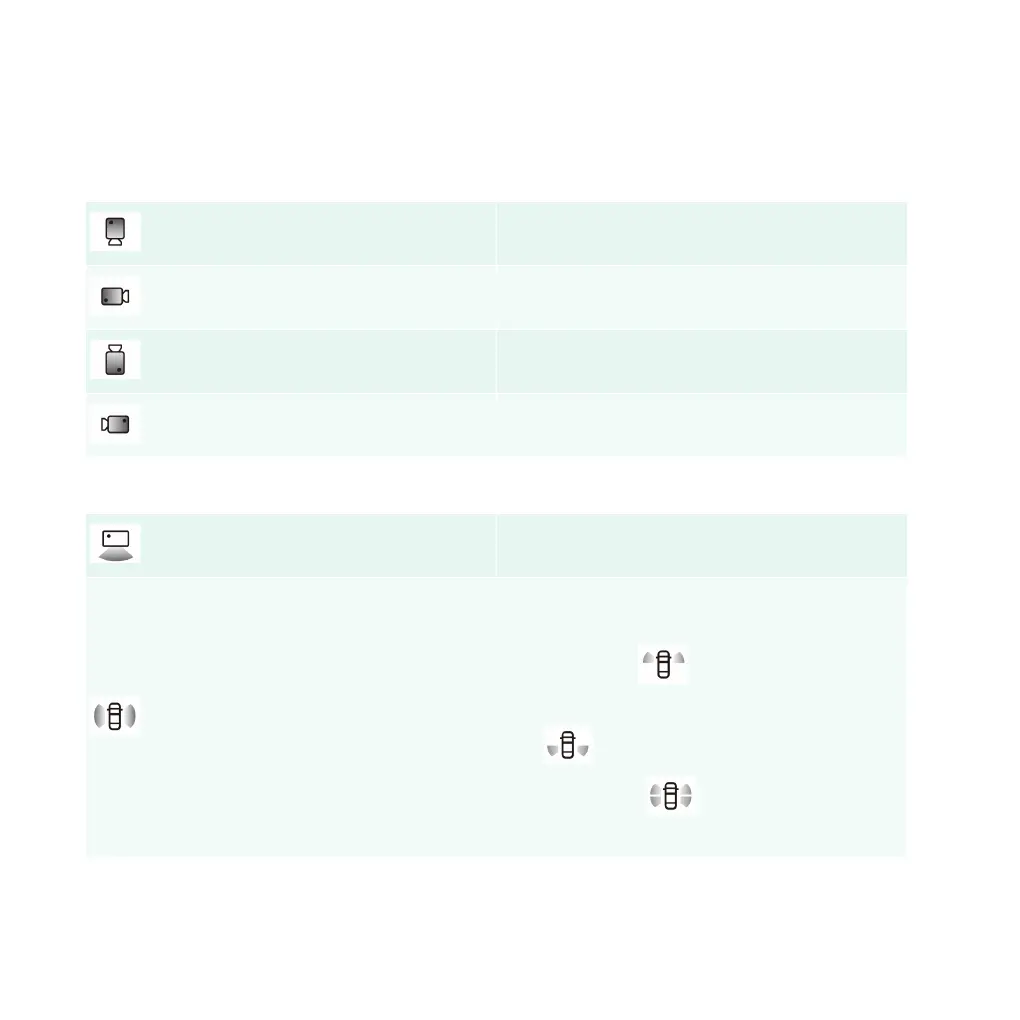
Click the front and rear, left and right areas of the left model in the AVM interface to switch the angle of
view of the AVM. The right view displays the field of view on the corresponding side.
Front field of view of vehicle
Left field of view of vehicle
Rear field of view of vehicle
Right field of view of vehicle
Click the "+" button on the model roof to set the angle of view.
Activating the wide-angle view
Activate the fusion view. The right camera view
shows the splicing view of the left and right sides of
the vehicle. Click
n the right camera view to
view the left and right views of the front wheels.
Click
to view the left and right views of the
rear wheels. Click
to view the left and right
views of the four wheels.
Auto Parking Assist(APA)
144 | AIWAYS



 To Next Page