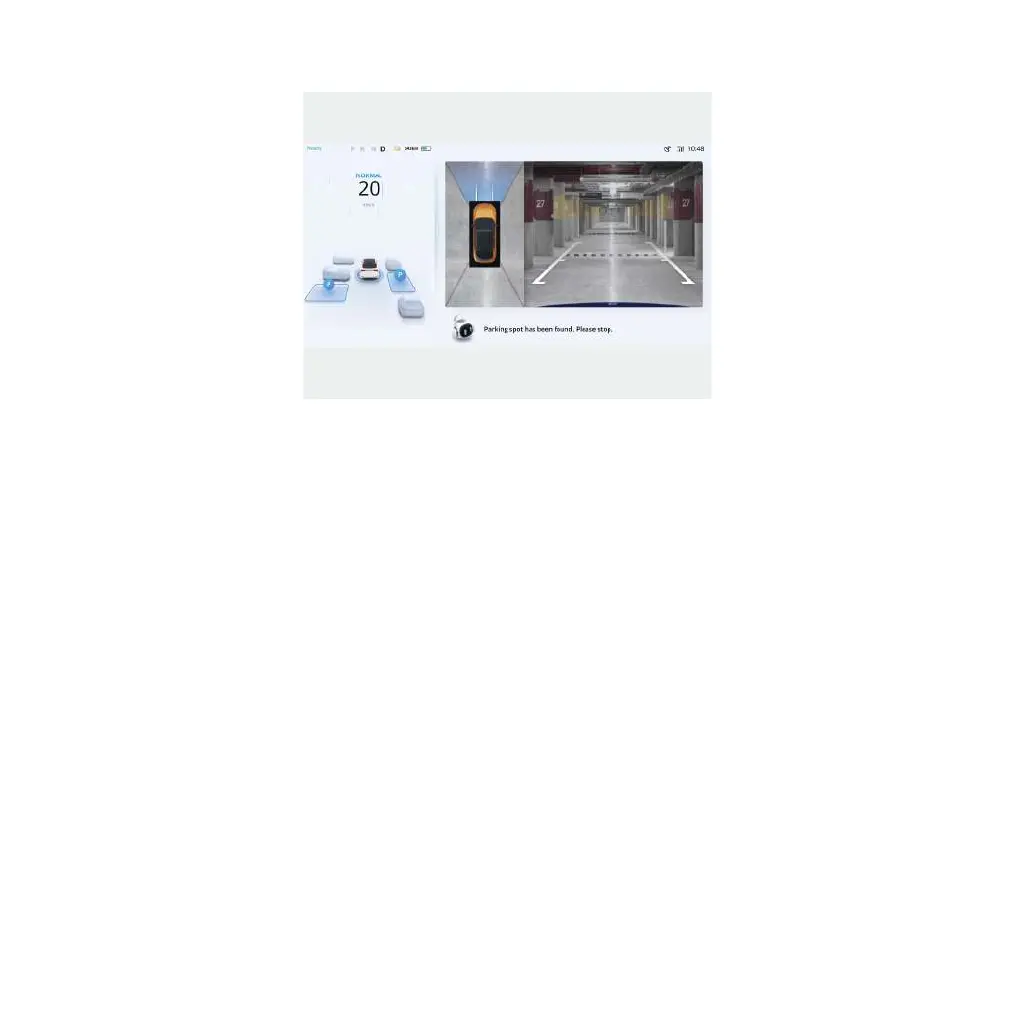
NOTE:
–
The parking function button may not be displayed in the control bar. In case of this situation, it is
necessary to call up the parking function button. Please refer to the chapter of "Central control
information" for detailed operation.
–
Automatic parking supports vehicles to search for parking spaces without parking during driving.
After the parking function is turned on, the speed is below 25km/h, and automatic parking function
can actively search for parking spaces.
–
If parking spaces are not found for more than 10 minutes, the automatic parking function will quit
working.
–
Automatic parking function can store 2 parking spaces on the left and right.
2. Press the brake pedal until the vehicle is stopped. Then, all parking spaces will be displayed digitally.
Click the target parking space. It will turn green if it is selected.
3. Release the brake pedal and the steering wheel according to the prompts on the central control screen.
Then, your vehicle starts to park automatically.
146 | AIWAYS



 To Next Page