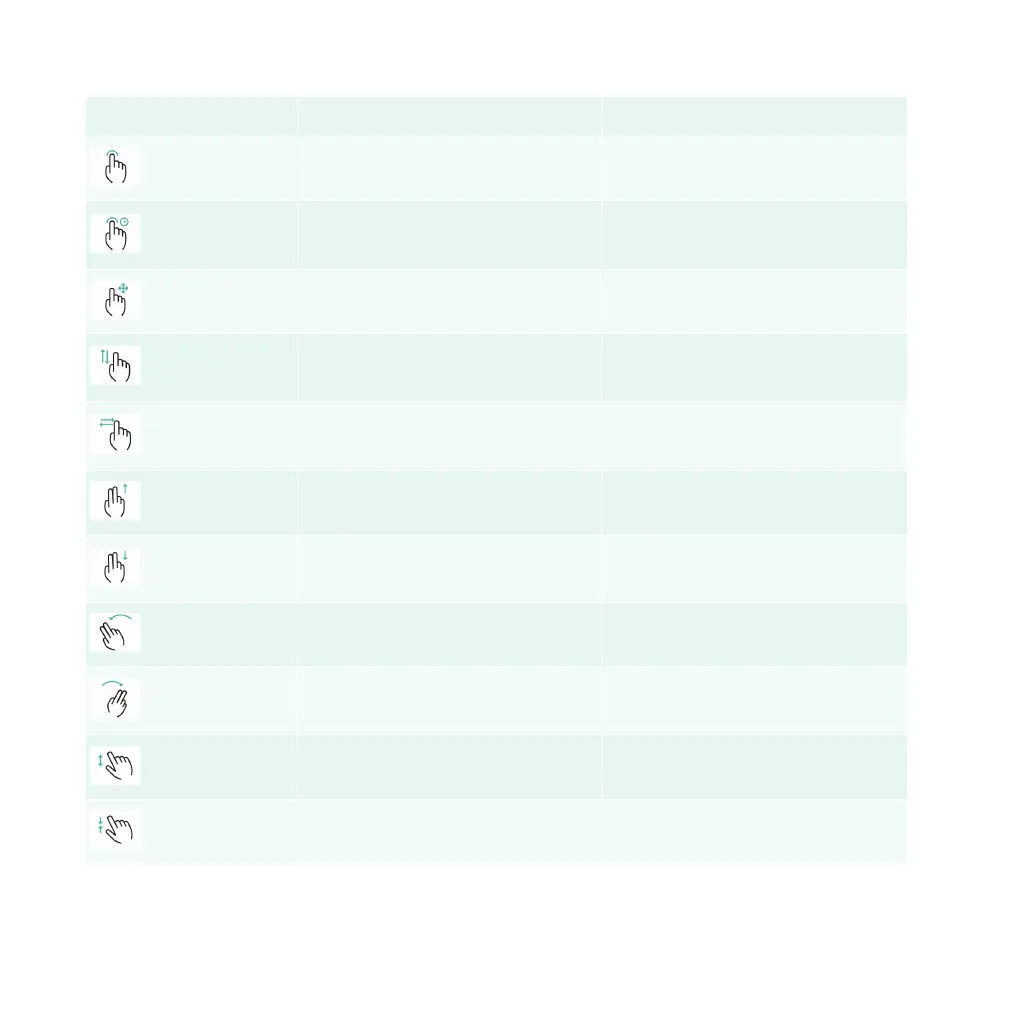
Sign Action Status
Click Select/turn on the function
Long press
Select the function to enter the edit
status
Drag Move icons or cards
Swipe up or down with one finger
Switch the interface and call up the
menu
Swipe left or right with one finger
Switch the interface and call up the
menu
Swipe up with two fingers Exit the screen
Swipe down with two fingers
Switch the interface and call up the
menu
Swipe left with two fingers Exit the screen
Swipe right with two fingers
Switch the interface and call up the
menu
Touch with two fingers and unfold Zoom in
Touch with two fingers and fold Zoom out
NOTE: Some operations are only applicable in specific applications.
68 | AIWAYS



 To Next Page