EasyManua.ls Logo

Aixam CROSSOVER - Page 38

Aixam CROSSOVER
74 pages
Print Icon
To Next Page IconTo Next Page
To Previous Page IconTo Previous Page
Loading...
37
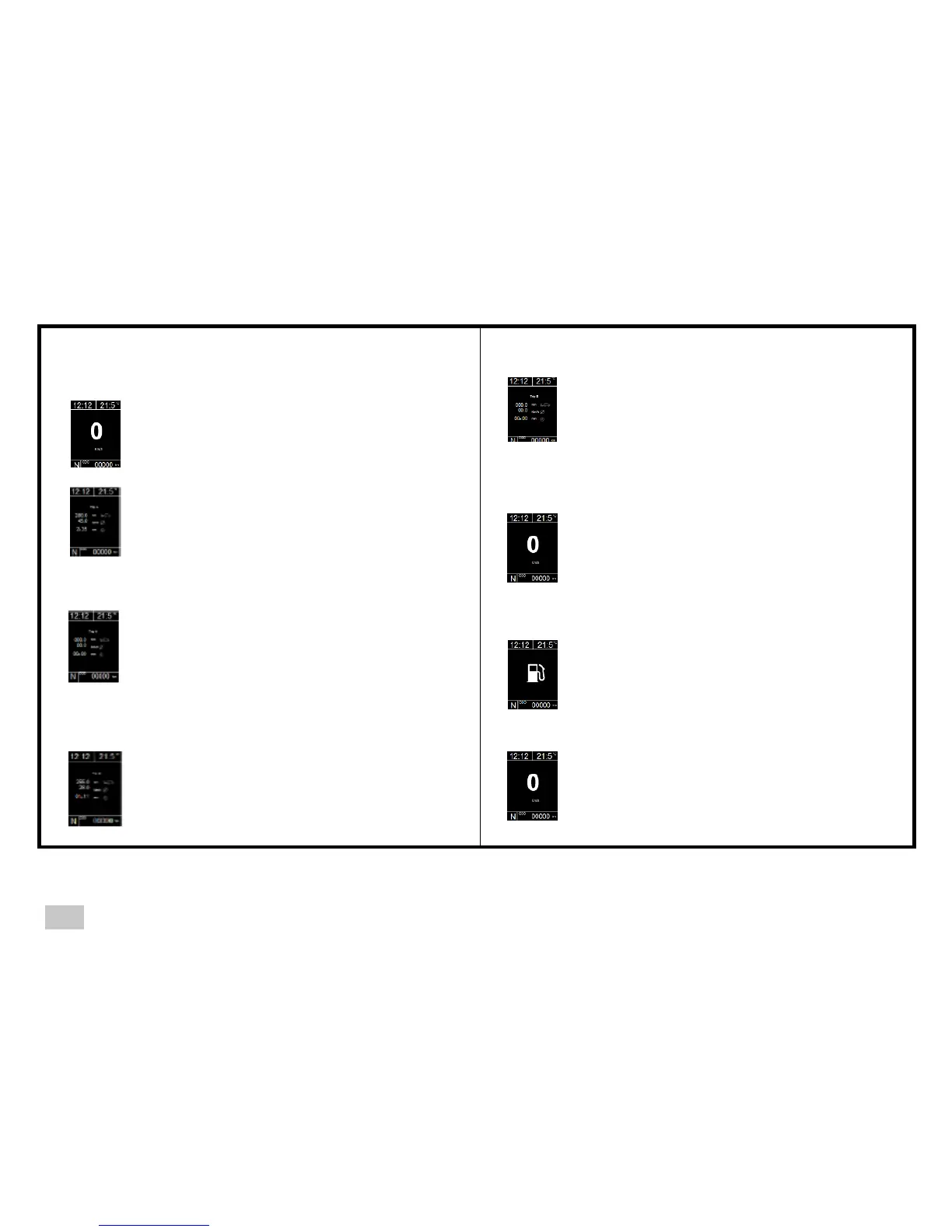
Reset Trips A and B
Step 5
Press the button on the end of the stalk
control once
Digital speed screen
Trip B is automatically reset 15 minutes
after the ignition is switched off.
Step 1
Ignition ON
Digital speed screen
Acknowledgement of information or fault pop-up
Step 2
Press the button on the end of the stalk
control once
Trip A screen
Distance travelled
Average speed
Journey time
Step 1
Ignition ON
Digital speed screen
Step 3
Press the button on the end of the stalk
control for five seconds
Trip A screen
Reset distance travelled
Reset average speed
Reset journey time
Step 2
Fuel tank symbol display
Press the button on the end of the stalk
control
Step 4
Step 3
Press the button on the end of the stalk
control once
Trip B screen
Distance travelled
Average speed
Journey time
Return to digital speed display
E3

Related product manuals