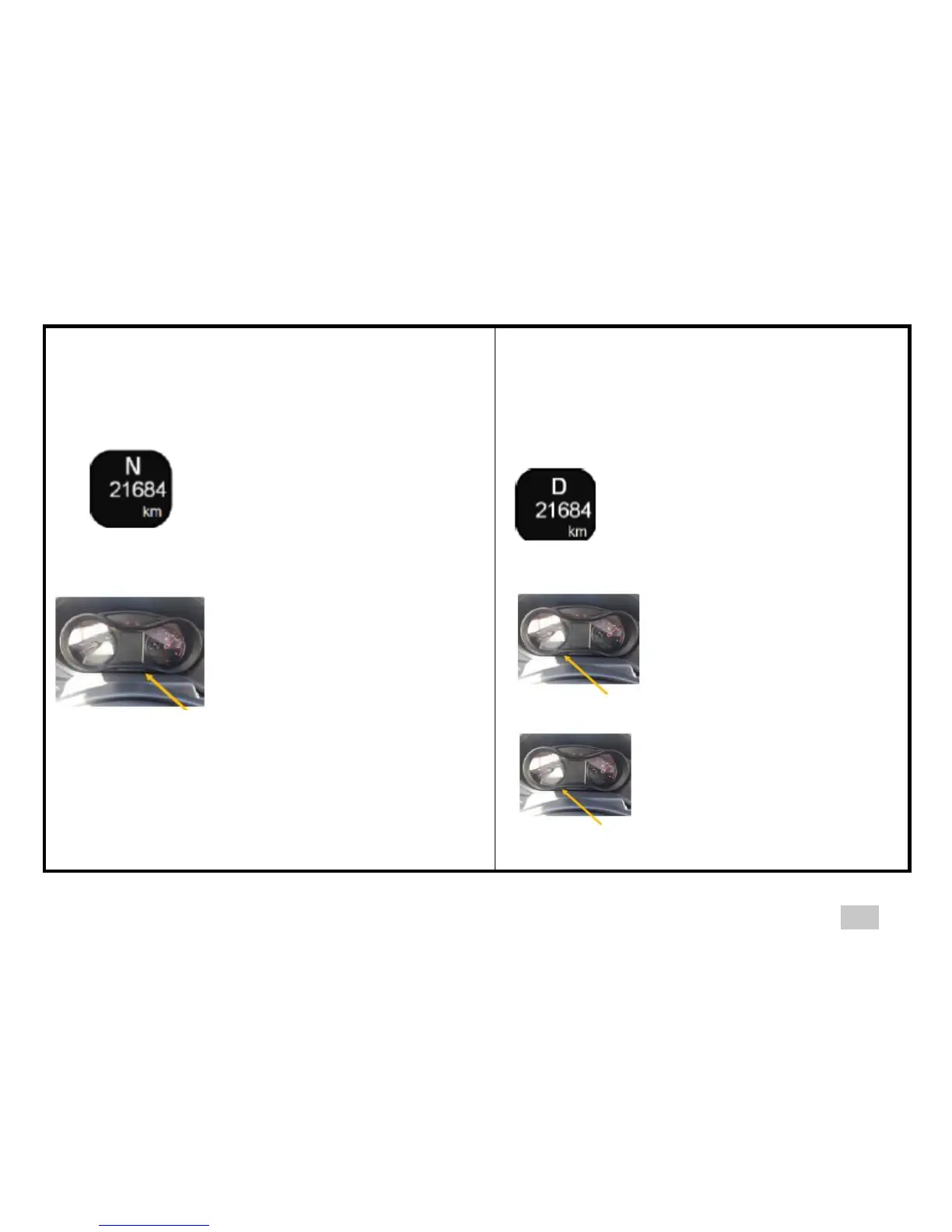
Activation / Deactivation of hazard warning
lights following emergency braking
Position lights working to set the panel
Ignition ON
Display of general odometer
Ignition key ON General
odometer
Press the right button on the panel
to get the required brightness
Deactivate emergency braking
Press the left button on the
panel until you hear a beep
(Attention! 15 seconds max.
after switching on the ignition
to access settings)
Activate emergency braking
Press the left button on the
panel for 15 seconds (a beep
indicates that the function is
activated)



 To Next Page