10
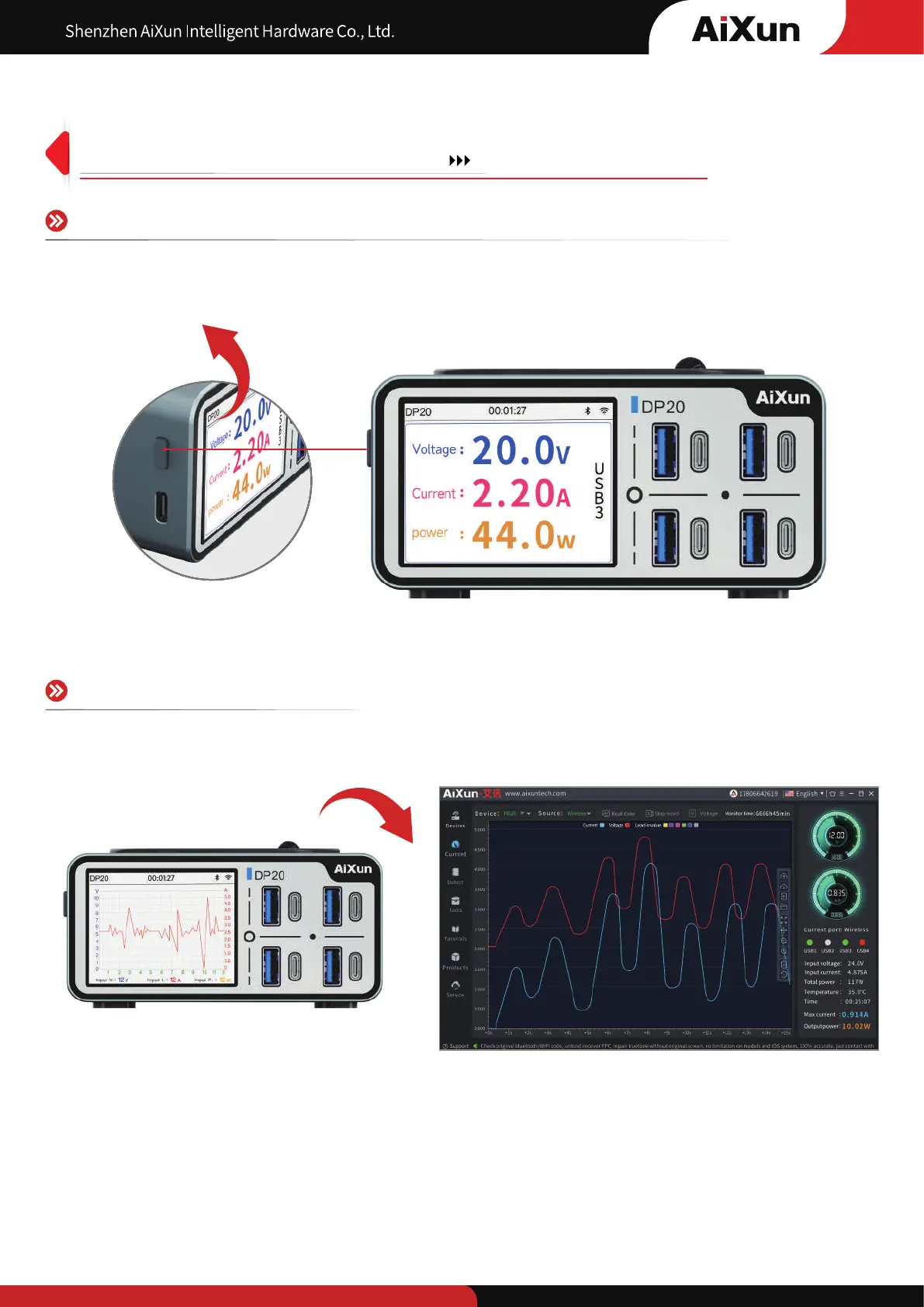
Charging current curve detection
Select a channel in charging, long press to enter the digital interface, and then
short press to switch to the curve interface
Connect with AiXun platform through Type-C USB cable or wireless, analyze data more clearly on PC!
8
Curve detection Current and voltage Data analysis


 To Next Page