16
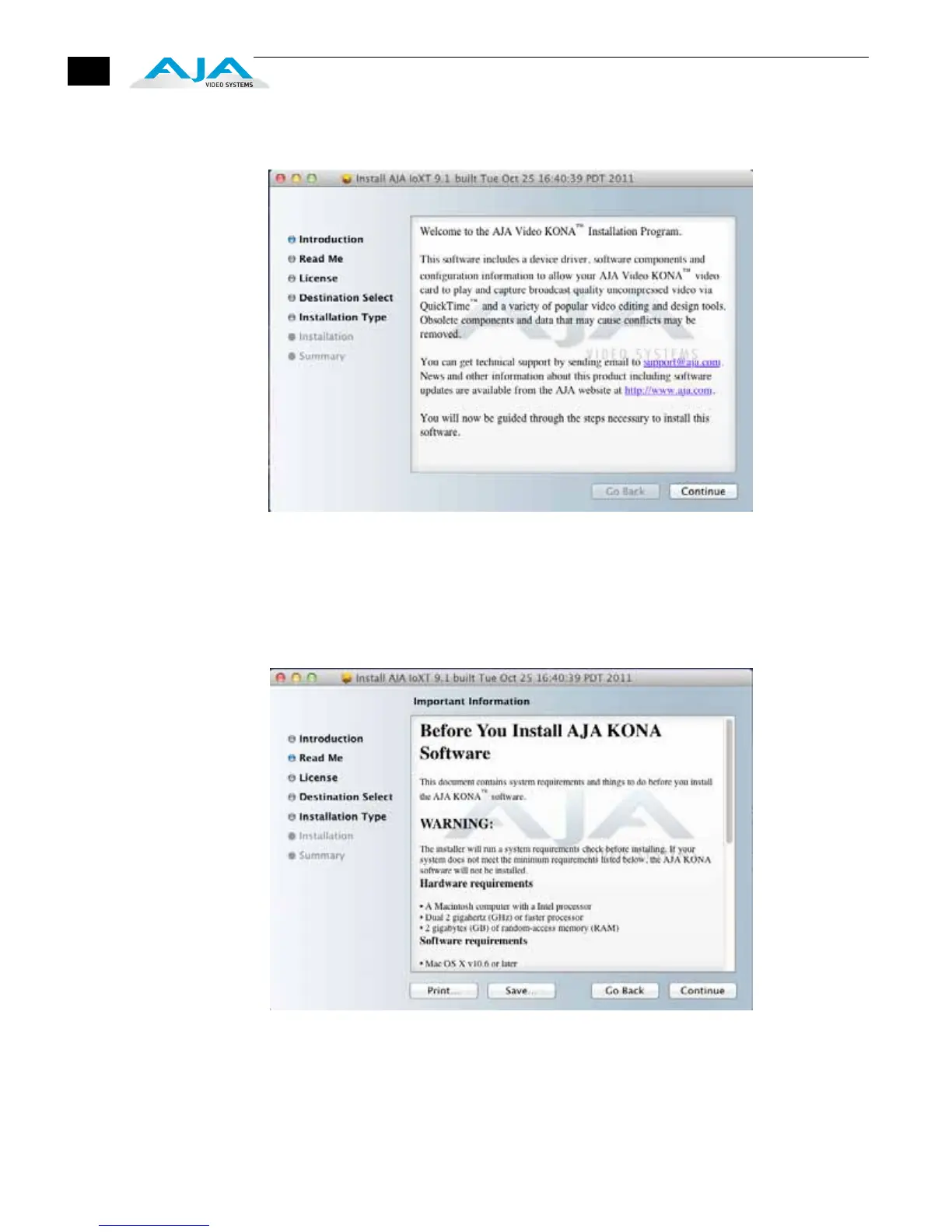
5. When you launch the installer, you’ll see a series of installer screens.
Initial Installer Screen
6. Click Continue to begin installation.
7. The next screen lets you know that the installer will check your Mac to ensure it
has the hardware and software resources required (see Minimum
Requirements in Chapter 1).
System Check Installer Screen


 To Next Page