1
17
Io XT Installation and Operation Manual — Cabling the System
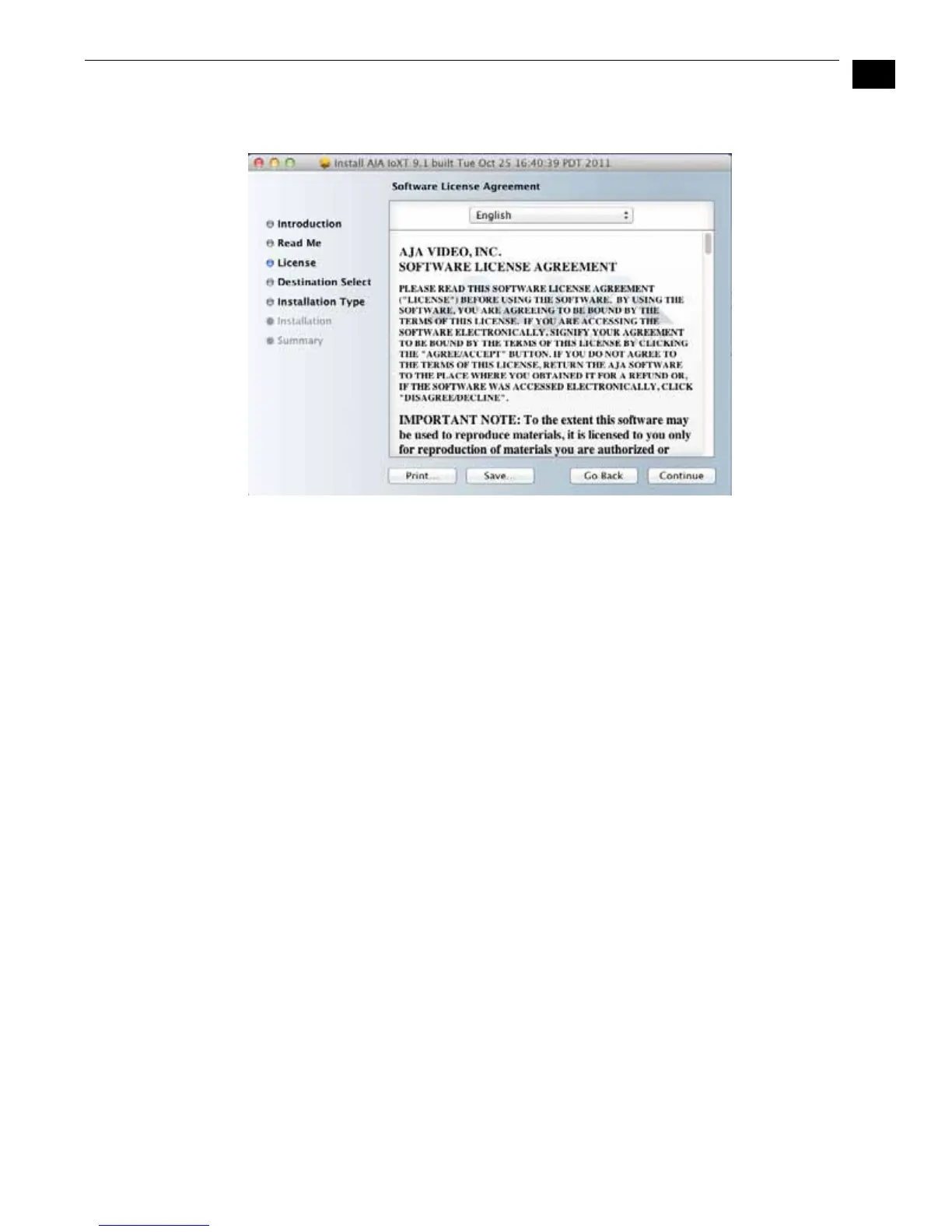
8. Read and agree to the Software License Agreement.
Io XT Software License Agreement Screen
9. The next screen shows all the available drives on the Mac Pro. Click on the drive
that contains your system files (Apple default is “Macintosh HD”). A green arrow
will point to the drive you’ve selected. Click the Continue button to proceed with
installation.


 To Next Page