24
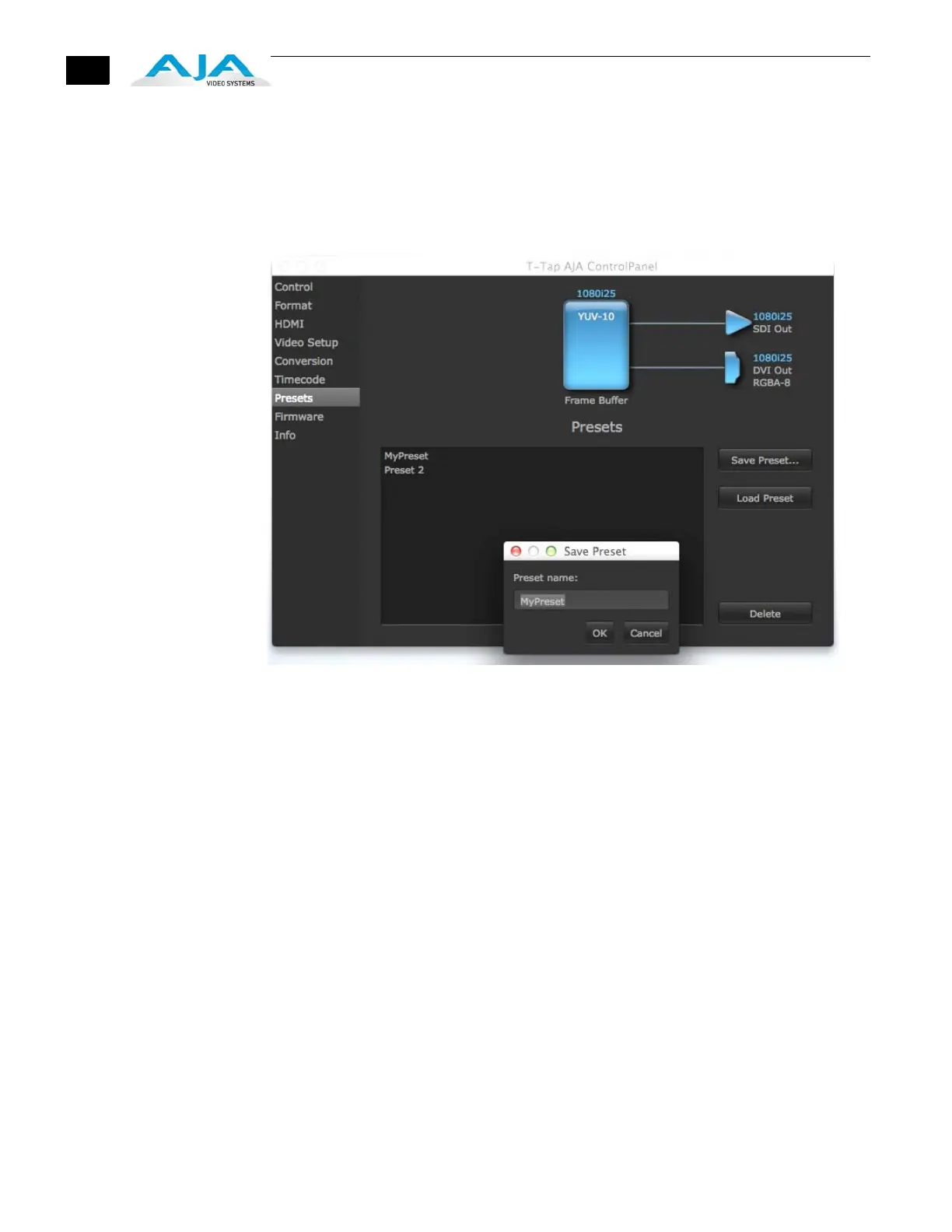
Presets Screen After configuring the AJA Control Panel screens, you can then save all your settings as a
snapshot for later recall—called a preset. In this way, you can organize presets for all your
typical tasks, eliminating time-robbing manual re-configuration each time. To save a preset,
simply go to the Presets screen and click “Save Preset”. A dialog will be presented asking you
for a name; enter a meaningful name and click “OK”. Thereafter the preset will be available
under the Control Panel “Presets” list.
Presets Screen
From the Presets screen you can manage your collection of presets easily. To Load or Delete a
stored preset, just select it with your mouse and then click the “Load Preset” or “Delete”
button respectively.



 To Next Page