EasyManua.ls Logo

AJA io 4k - User Manual

AJA io 4k
76 pages
Print Icon
To Next Page IconTo Next Page
Loading...
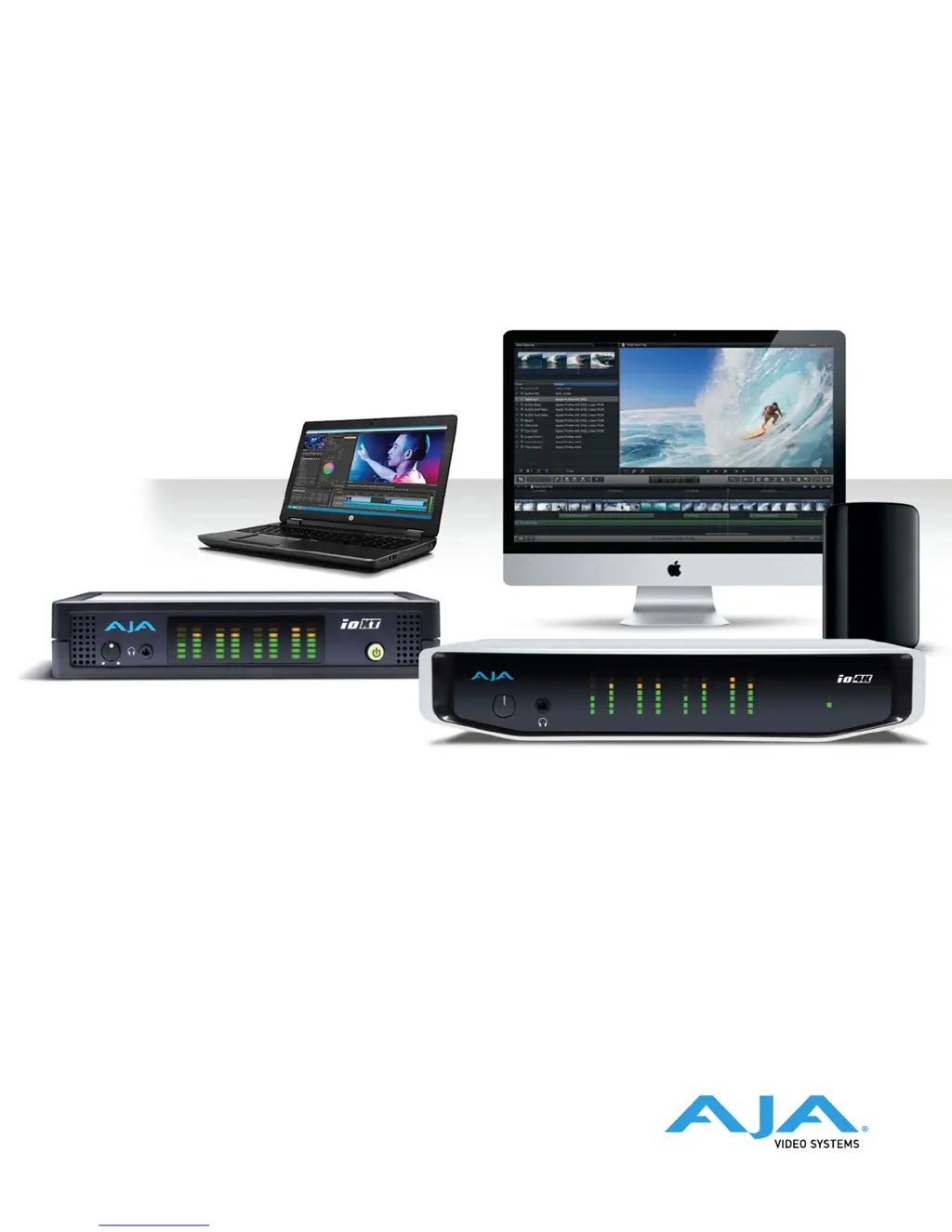
Io XT/4K
Capture, Display, Convert
Version 14.0
Published December 15, 2017
Installation and Operation Guide

Table of Contents

Other manuals for AJA io 4k

Questions and Answers

  • W
    williamsrebeccaAug 1, 2025
    What to do if AJA Recording Equipment drops frames during record?
    • N
      nortonamyAug 1, 2025
      If you're experiencing dropped frames during recording, it could be due to a few reasons. One potential cause is that the RAID system cannot sustain the data rate required by the capture preset codec. Another reason may be that virus checking software is running in the background; if this is the case, try disabling it. Also, verify that the scratch drive is correctly set to the RAID.
  • M
    Matthew KingAug 6, 2025
    Why does my AJA io 4k Recording Equipment drop frames during playback?
    • I
      ibarralauraAug 6, 2025
      If your AJA Recording Equipment is dropping frames during playback, it might be due to virus checking software running in the background. If so, disable it. Another possible cause is that the scratch drive is not set to the RAID.
  • J
    Jose BarrAug 11, 2025
    How to fix AJA Recording Equipment disk RAID if it cannot keep up?
    • E
      ericwalkerAug 11, 2025
      If your disk RAID cannot keep up, resulting in dropped frames, ensure the disk system is providing at least a 50 MB/second sustained transfer rate.
  • K
    Kimberly WolfeAug 16, 2025
    What to do if AJA Recording Equipment is not capturing media from desired external device?
    • E
      Elizabeth EllisonAug 16, 2025
      If media is not being captured from the desired external device, check the settings in the Input screen of the Io XT Control Panel application. Also, check the equipment cables.
  • A
    Amber KramerAug 21, 2025
    Why does AJA Recording Equipment video stutter during playback?
    • H
      harold78Aug 21, 2025
      Video stutter during playback can occur if the RAID cannot sustain the data rate.
  • K
    kathryncalhounAug 27, 2025
    Why does a red render bar occur when placing a clip on a sequence in AJA io 4k Recording Equipment?
    • S
      Scott OsborneAug 27, 2025
      A red render bar appears when placing a clip on a sequence if the sequence setting does not match the clip setting.

Summary

Chapter 1 - Introduction

AJA Software & Utilities

AJA Control Panel

Software for configuring and controlling AJA hardware.

System Requirements

Chapter 2 - Installation

Installation Overview

Steps for initial setup and software installation.

Connecting To Your Computer

Instructions for physically connecting the device to a computer.

Software Package Installation and Re-installation

Firmware Update Procedure

Step-by-step guide to updating device firmware.

Firmware Versions

Chapter 3 - Io XT;4 K Operation

Front Panel Operation

Explanation of controls and indicators on the front panel.

Front Panel Controls and Indicators

AJA Control Panel Overview

Software Configuration

Introduces the AJA Control Panel software for hardware configuration.

AJA Control Panel User Interface

Single-User & Shared Preferences

Function Screens

DS Keyer

Sets up and controls downstream keying.

LUT

Loads lookup tables for color calibration.

Presets

Saves and recalls custom device configurations.

Firmware

Manages AJA device firmware installation.

Using lo XT and 4 K for HD, SD, 2 K

Control Screen

Format Screen

Primary (Frame Buffer) Format

Sets the main video format for the framebuffer.

Input Select Screen

Video Input

Selects video source and detects format.

SDI Out Screen

SDI Output 1

Configures the primary SDI output format and transport.

HDMI Screen

DS Keyer Screen

Mode

Selects how the downstream keyer operates (e.g., graphic over matte).

LUT Screen

Custom LUT Controls

Creates custom color look-up tables for output.

Custom LUT Controls

LUT Type

Selects the type of LUT to apply (Auto, Linear, User).

Gain and Offset Controls

Adjusts gain and offset for Red, Green, and Blue curves.

LUT Files

Uploading Custom User LUT File

Steps for loading custom LUT files into the device.

Presets Screen

Loading and Saving Presets

Manages saving, loading, and deleting custom presets.

Firmware Management

Firmware Screen

Interface for installing firmware versions.

Info Screen

Using lo 4 K for UltraHD;4 K

Details operations specific to lo 4K in 4K Mode.

lo 4 K in 4 K Mode Audio Monitoring

Audio Mixer Screen

Controls playback and capture audio sources and mixing.

lo 4 K Format Screen in 4 K Mode

lo 4 K SDI Output Screen in 4 K Mode

4 K Transport

Selects transport modes for 4K SDI and HDMI outputs.

lo 4 K HDMI Screen in 4 K Mode

HDMI Output

Configures HDMI output for UltraHD/4K formats.

lo 4 K HDMI HDR Screen in 4 K Mode

HDR Mode

Enables and configures HDR modes for HDMI output.

EOTF

Sets the Electrical Optical Transfer Function for HDR displays.

Digital Primaries

Display Mastering Luminance

Sets minimum and maximum display mastering luminance.

Maximum Content Light Level (CLL)

Defines the highest pixel component value in a scene.

Maximum Frame Average Light Level (FALL)

Defines frame-based average light levels for a scene.

lo 4 K Audio Mixer Screens (4 K Mode only)

Audio Mixer Controls

Controls playback/capture audio sources and mixing.

Playback Monitor Mode (4 K Mode only)

Playback Source Selection

Selects audio items for playback to monitor outputs.

Capture Monitor Mode (4 K Mode only)

Source Gain

Adjusts audio gain for sources in capture mode.

Appendix A - Specifications

lo 4 K Tech Specs

Lists technical specifications for the lo 4K device.

Video Inputs

Details the types of video inputs supported by lo 4K.

Video Outputs

Details the types of video outputs supported by lo 4K.

lo 4 K Technical Specifications

4 K;UltraHD Down-Conversion

Details dedicated down-conversion output for 4K/UltraHD.

Io XT Tech Specs

Video Formats

Lists supported video formats for Io XT.

Video Input Digital

Details digital video inputs supported by Io XT.

Video Output Digital

Details digital video outputs supported by Io XT.

Io XT Technical Specifications Continued

Digital Audio Interfaces

Specifies digital audio input and output capabilities.

Analog Audio Outputs

Details analog audio output specifications.

Io XT Interface Specifications

Appendix B - Safety and Compliance

Declaration of Conformity

Before Operation Please Read These Instructions

General Warnings

General safety and operational instructions.

Operation Safety Warnings

Chassis Opening and Warranty

Warning against opening the chassis and its warranty implications.

Servicing and Damage Warning

Power Cord Safety

Mains Plug Accessibility

Warranty and Liability Information

Limited Warranty on Hardware

Details the hardware warranty period and terms.

Warranty Exclusions

Lists conditions that void the warranty.

Limitation of Liability

AJA io 4k Specifications

General IconGeneral
BrandAJA
Modelio 4k
CategoryRecording Equipment
LanguageEnglish

Related product manuals