Io XT/4K Capture, Display, Convert v14.0 48 www.aja.com
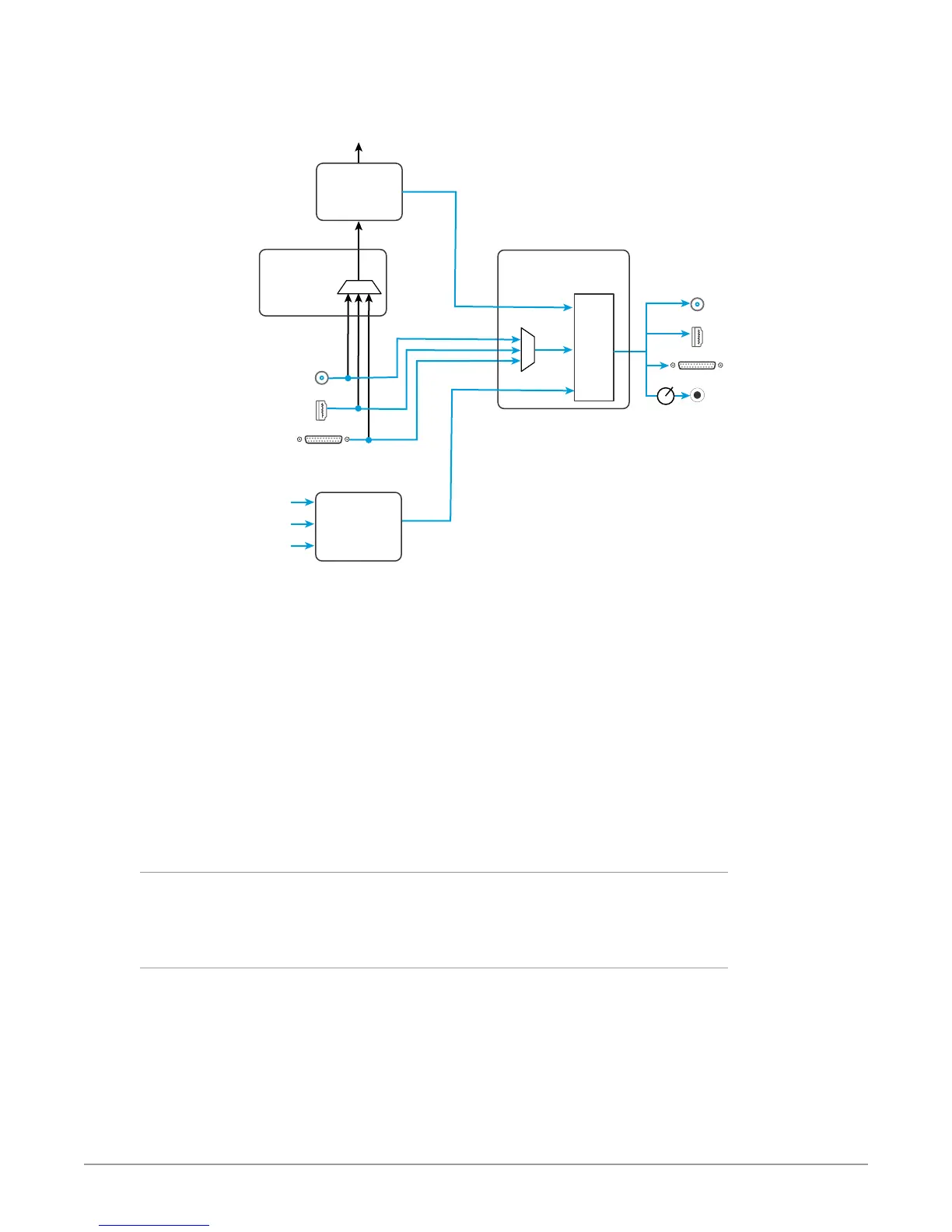
Figure 17. Io 4K in 4K Mode Audio Monitoring Routing Diagram
Gain
Knob
SDI Embedded
Audio Output
HDMI Embedded
Audio Output
Audio Capture
Punch In/Voice Over
Record to File
Analog Audio
Output
SDI Embedded
Audio Input
AJA Hardware
Audio Input
AJA Hardware
Audio Monitoring
Host Computer Audio Input
Non Linear
Video Editor
HDMI Embedded
Audio Input
Analog Audio
Input
Audio File
Playback
YouTube
Other
Sources
Front Panel
Monitor Output
Control Panel
Audio Mixer
Screen
Mac or PC
Computer
Audio
NLE
Application
Control Panel
Input Select
Screen
Mixer
Controls
Host
Computer
Audio
NLE
Audio
NOTE: NLE audio
output is disabled
in Capture mode.
AJA Hardware Audio
NOTE: Linux OS has not yet been tested with this functionality and as such remains
unsupported until a future announcement.
To control which AJA hardware audio is used during recording, you use the
Control Panel application's Input Select Screen, Audio Input Select drop down to
select from
• SDI embedded
• HDMI embedded
• Analog (via DB25 cable)
Any level adjustments to Capture or Audio Punch In / Voice Over to Timeline
recording operations will either need to be made upstream of the AJA input, or
else via adjustments within the main NLE application (e.g. via a pass through mix
tool).
Io 4K Control Panel Screen Differences in 4K Mode
The Io 4K in 4K Mode Control Panel screens that are significantly different from
the Io XT screens previously described are presented below.
Io 4K Control Screen in 4K Mode
Besides SD, HD, and 2K input and output, 4K mode permits UltraHD or 4K input
and/or output over 2 or 4 links.
For example, setting the Control Screen Default Video Output to Input
Passthrough with a UltraHD 29.97 four link input connected, and selecting
UltraHD/4K 4-wire Source on the Input Select menu, four connectors are used
receive the signal to process. UltraHD signals report their links as 1080. No SDI
BNC output connectors are available for use (Figure 18).



 To Next Page