Io XT/4K Capture, Display, Convert v14.0 44 www.aja.com
Erase all Prefs
For technical support purposes you may be required to remove Preference
settings. This button automates that function. If activated, all your preference
setting will be lost.
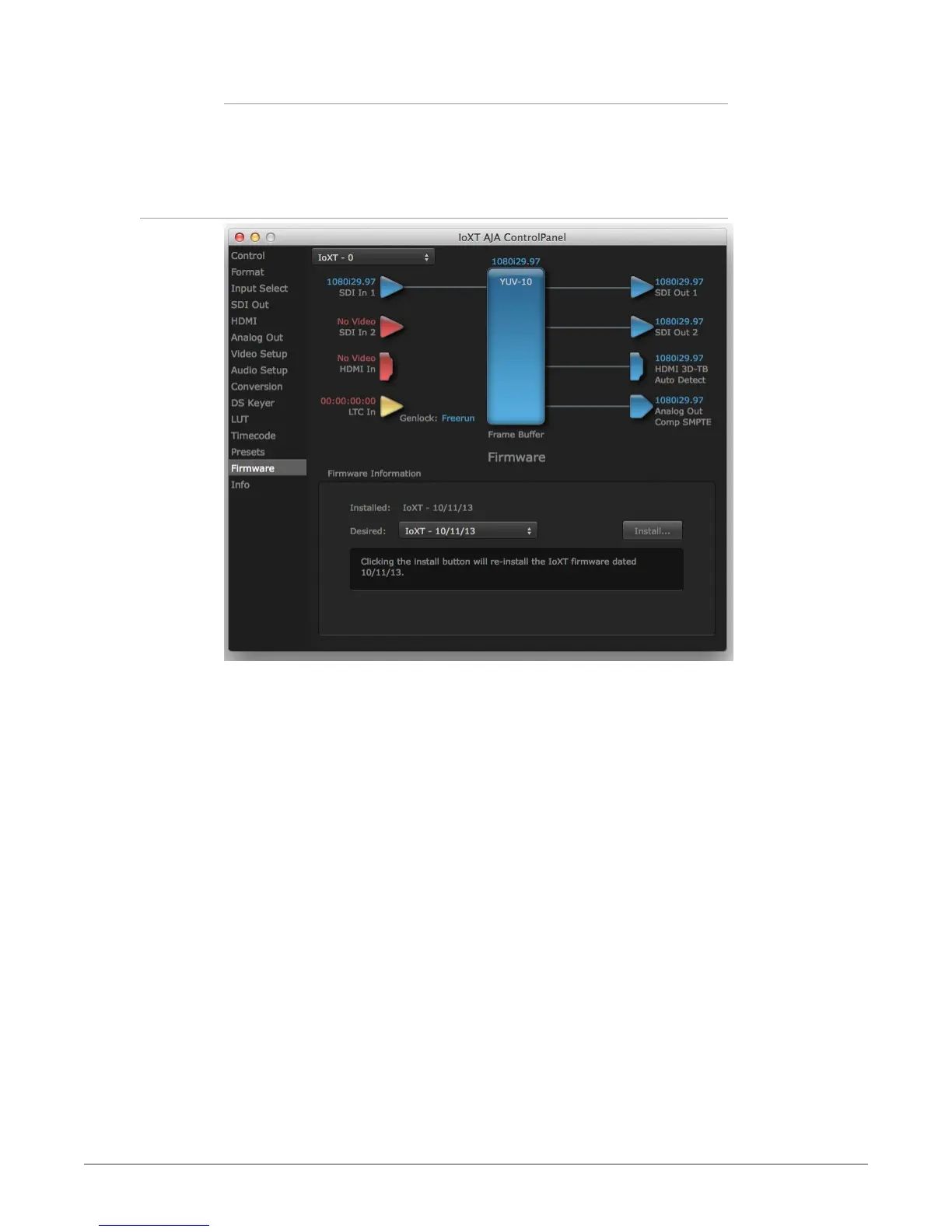
Firmware Screen
Use the Firmware screen to access the firmware install screen. Click Install to
erase current firmware and load the firmware version contained in your currently
installed AJA software package.
You will need to power-cycle your computer and Io XT/4K to finish the update.
NOTE: Io 4K supports two different versions of firmware (UFC and 4K Modes) that have
different capabilities. Io XT supports only one version of firmware, for 2K/HD/SD
capabilities.
See "Firmware Update Procedure" on page 14 for more detailed information.



 To Next Page