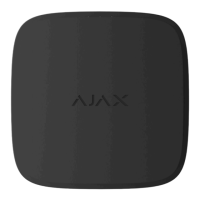
LED Indication
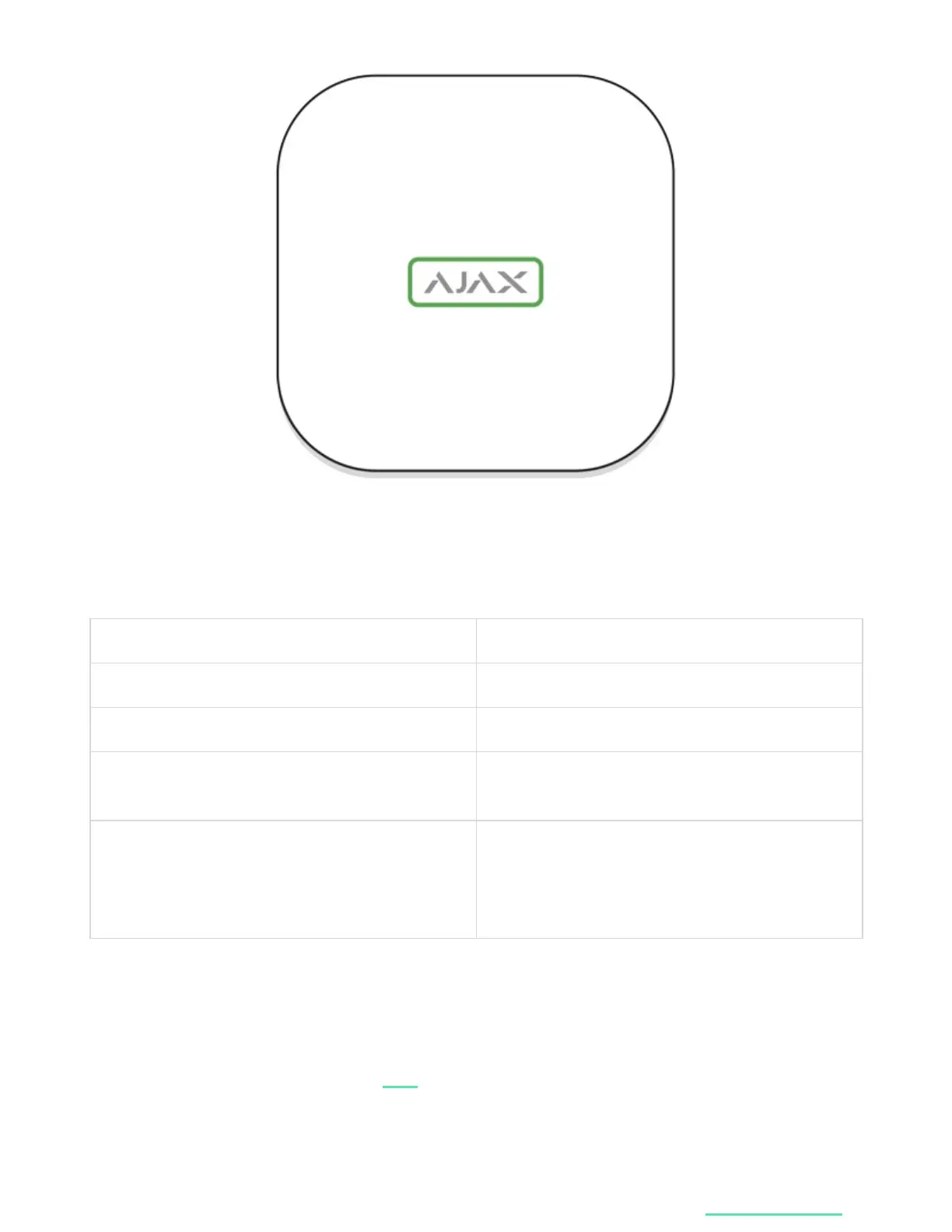
The LED logo can light up red, white or green depending on the status of the
device.
Event Light indicator
Ethernet and at least one SIM card are connected Lights up white
Only one communication channel is connected Lights up green
The hub is not connected to the internet or there
is no connection with the Ajax Cloud service
Lights up red
No power
Lights up for 3 minutes, then blinks every 10
seconds. The color of the indicator depends on
the number of the connected communication
channels.
Ajax Account
Hub 2 can be controlled via the for iOS, Android, macOS, or Windows.
To congure the system, install the Ajax app and create the Ajax account. We
recommend using the Ajax Security System app to manage one or several hubs. If
you plan to manage over one hundred hubs, we recommend using
app
Ajax PRO: Tool


 To Next Page