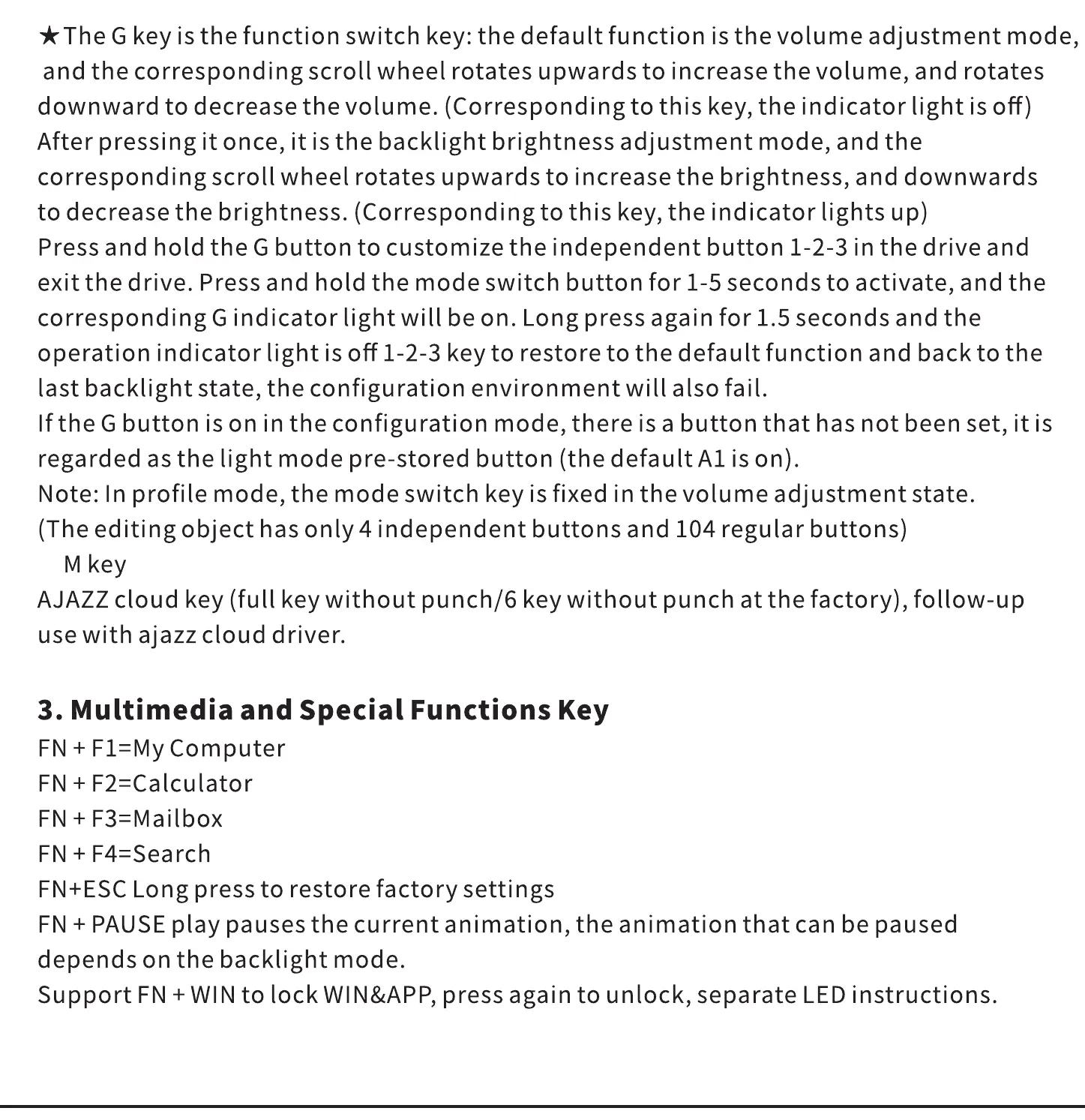
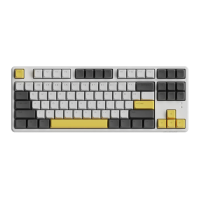
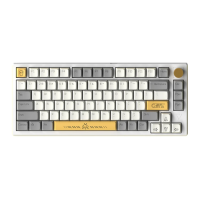
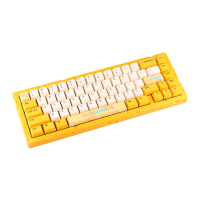
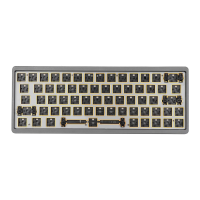
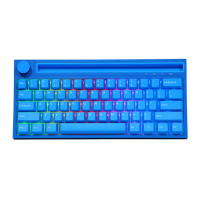
*The G key is the function switch key: the default function is the volume adjustment mode,
and the corresponding scroll wheel rotates upwards to increase the volume, and rotates
downward to decrease the volume. (Corresponding to this key, the indicator light is off)
After pressing it once, it is the backlight brightness adjustment mode, and the
corresponding scroll wheel rotates upwards to increase the brightness, and downwards
to decrease the brightness. (Corresponding to this key, the indicator lights up)
Press and hold the G button to customize the independent button 1-2-3 in the drive and
exit the drive. Press and hold the mode switch button for 1-5 seconds to activate, and the
corresponding G indicator light will be on. Long press again for 1.5 seconds and the
operation indicator light is off 1-2-3 key to restore to the default function and back to the
last backlight state, the configuration environment will also fail.
Ifthe G button is on in the configuration mode, there is a button that has not been set, it is
regarded as the light mode pre-stored button (the default A1 is on).
Note: In profile mode, the mode switch key is fixed in the volume adjustment state.
(The editing object has only 4 independent buttons and 104 regular buttons)
M key
AJAZZ cloud key (full key without punch/6 key without punch at the factory), follow-up
use with ajazz cloud driver.
3. Multimedia and Special Functions Key
FN + F1=My Computer
FN + a-calculator
FN + F4=Search
FN+ESC Long press to restore factory settings
FN + PAUSE play pauses the current animation, the animation that can be paused
depends on the backlight mode.
Support FN + WIN to lock WIN&APP, press again to unlock, separate LED instructions.


 To Next Page