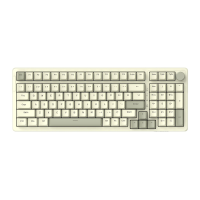
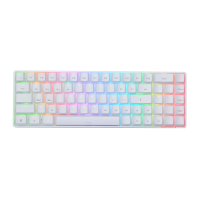
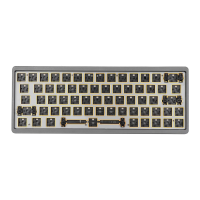
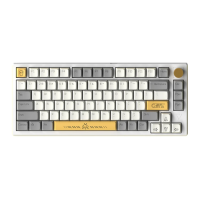
Description of Switch Indication
2.4G USB BT MAC
WIN
• Three-stage toggle switch
Switch between wired mode, Bluetooth mode and 2.4G mode, left = Bluetooth
mode, middle = wired mode, Right = 2.4G mode, factory default wired mode;
• System mode switching Left = WIN system mode (factory default)
Right = MAC system mode
• Light Switch Description:
O Upper and lower case indicator (blue)
@ Charging indicator (lights red when charging, green when fully
charged)
@ Deviceindicator (Bluetooth device 1 red, device 2 green, device
3 blue, 2.4G white)
• Knob Switch Description
Roller down: mute
Turn the knob to the right: volume +
Turn the knob to the left: Volume -
Sleep Mechanism and Bluetooth Name Description
• Deep sleep: Deep standby after 30 minutes of no key operation on the keyboard,
Bluetooth disconnects and sleeps, press any key to wake up the keyboard backlight
and connect back to Bluetooth;
• Power saving sleep: the backlight will be turned off after 2 minutes of no key operation
on the keyboard, press any key to wake up the keyboard backlight and connect back
to Bluetooth; (the sleep time can be adjusted by the driver)
• Bluetooth Name:
O After BT3.0 is connected, it will display: AK816 KB3.0
@ After BT5.0 is connected, it will display: AK816 KB5.0


 To Next Page