EasyManua.ls Logo

Akai A51006 - User Manual

Akai A51006
20 pages
Print Icon
To Next Page IconTo Next Page
Loading...
2
7
0
o
S
w
i
v
e
l
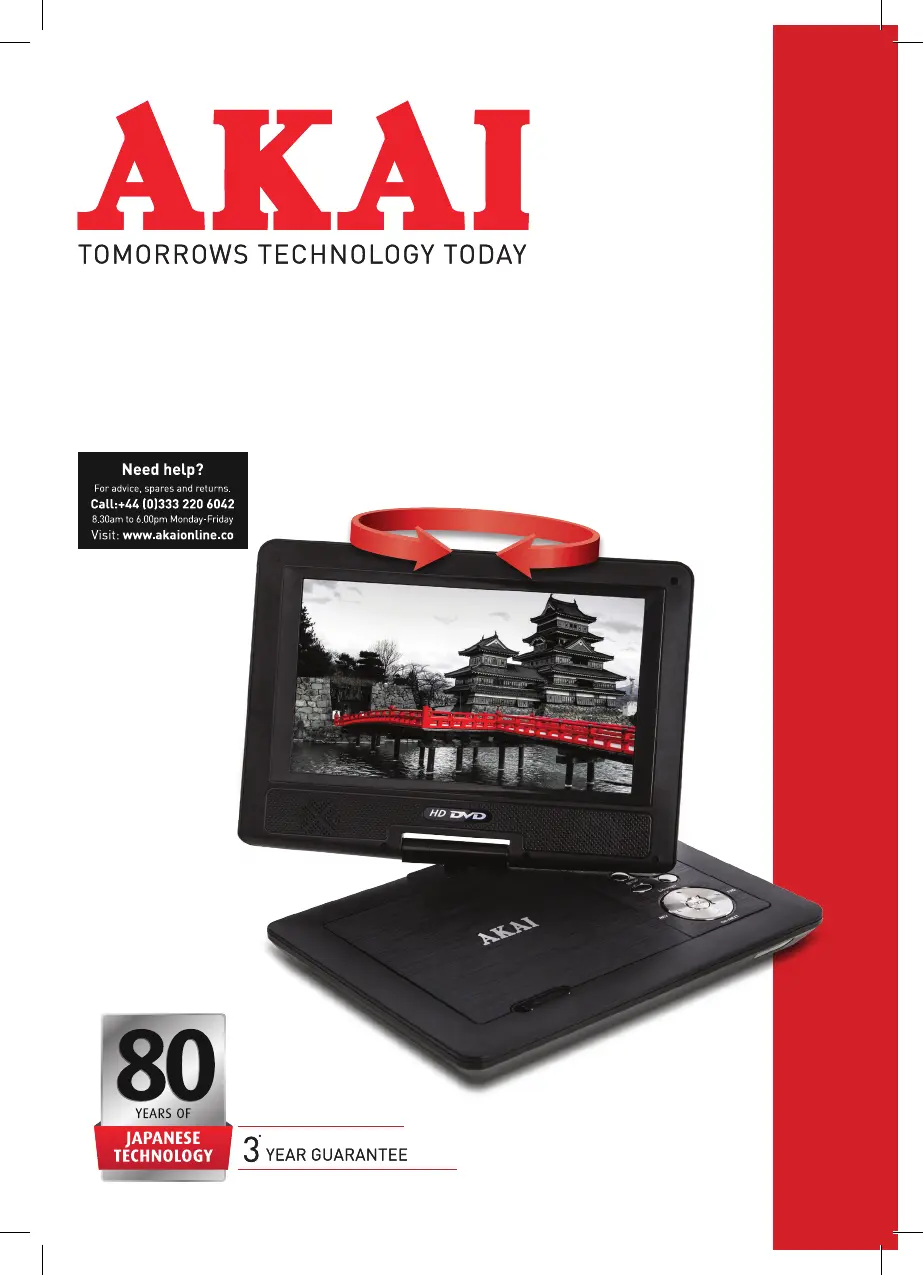
INSTRUCTION MANUAL
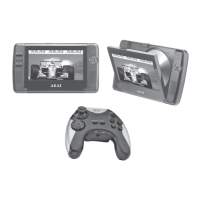
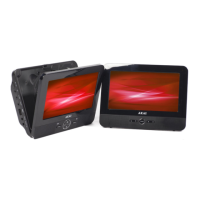
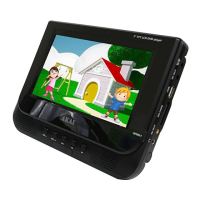
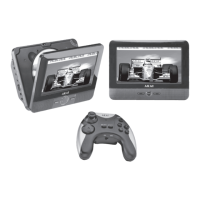
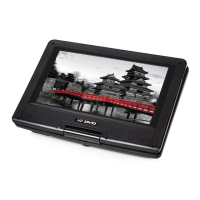
10 PORTABLE DVD PLAYER
WITH 270
O
SWIVEL SCREEN
MODEL: A51006

Questions and Answers

  • E
    Edward CarterAug 3, 2025
    Why is my Akai A51006 remote control not working?
    • T
      Tammy LunaAug 3, 2025
      The remote control might not be working because the battery is low, the remote isn't pointed correctly, or the sensor is dirty. Try changing the battery, pointing the remote directly at the sensor, and cleaning the sensor's surface.
  • M
    Mr. Robert Daniels MDAug 9, 2025
    What to do if my Akai Portable DVD Player has no sound?
    • J
      Jennifer BrownAug 9, 2025
      If there's no sound, the AV cable might be loose or not correctly connected. Reconnect the AV cable and make sure your TV is on the correct channel.
  • E
    Elizabeth ConleyAug 13, 2025
    How to fix no picture on Akai A51006 Portable DVD Player?
    • S
      Shawn CoxAug 14, 2025
      If there is no picture, the cables may not be correctly inserted. Try re-inserting the cables and check that the SCART lead or AV cable is connected properly.
  • D
    Danielle MontgomeryAug 18, 2025
    Why Akai A51006 Portable DVD Player power connected but does not work?
    • T
      Tyler WilsonAug 18, 2025
      If your Akai Portable DVD Player isn't working even when connected to power, the plug might not be fully inserted. Try reconnecting the power supply.
  • L
    Lori MeyerAug 23, 2025
    What to do if Akai Portable DVD Player picture stops, skips, or sound is abnormal?
    • Y
      yfergusonAug 23, 2025
      If the picture stops moving, skips, or the sound is abnormal during playback, it could be due to a cracked or dirty disc, or interference from a nearby speaker. Clean or replace the disc, and move the speaker away from the player.
  • J
    James LynnAug 28, 2025
    What to do if Akai Portable DVD Player disc inserted, but no tracks are shown?
    • S
      Stephen EllisAug 28, 2025
      If you've inserted a disc but no tracks are showing and the play time is displayed, the disc might be upside down, dirty, or cracked. Ensure the disc is correctly inserted, and try cleaning or replacing it.

Summary

Instruction Manual Title

Technical Data

Declaration of Conformity

Guarantee Information

Safety Information

Safety Guidelines and Precautions

Covers essential safety instructions for operation, electrical precautions, handling, and potential hazards of the DVD player.

WEEE Disposal Guidelines

Package Contents

Front Panel Features

Side Panel Connections

Remote Control Overview

Using Your Appliance

Remote Control Setup Guide

Instructions for inserting batteries and using the remote control effectively with the DVD player.

Control Panel Operations

Details on specific buttons and functions available on the DVD player's control panel for user interaction.

Using Your Appliance

Battery Charging Procedure

Steps and indicators for charging the player's internal lithium-polymer battery using the AC/DC adapter.

Connecting to a Television

Guide on how to connect the DVD player to a TV using an AV cable for viewing content.

Menu Operation and General Setup

Menu Navigation and Setup

Step-by-step instructions for navigating menus and performing setup operations on the DVD player.

General Setup Page Options

Explains TV display settings like 4:3 PANSAN, 4:3 LETTERBOX, and 16:9 WIDE for optimal viewing.

Advanced Menu Settings

Angle Mark, Last Memory, and OSD

Configuration options for angle viewing, memory playback, and on-screen display language preferences.

Captions and Screen Saver

Settings for closed captions display and enabling/disabling the screen saver function.

Audio Setup and Downmix

Configuration for audio output, including speaker setup and downmix options for 5.1 channel audio.

Video Setup and Picture Quality

Video Setup Page Guide

Instructions for accessing and using the video setup menu to adjust picture quality settings.

Picture Quality Adjustments

Details on adjusting Brightness, Contrast, Gamma, Hue, Saturation, and Luma Delay for optimal image.

Preference and Parental Controls

Preference Setup Options

Customization for PBC function, audio language, subtitle language, and disc menu language.

Parental Control System

Explains how to set up and manage parental locks, password modes, and default settings.

Media Playback and Copy Functions

USB and SD;MMC Playback

How to play video files from USB flash drives and SD/MMC cards.

Disc Loading and Playback

Steps for loading discs and initiating playback, including MP3/MPEG4 disc content.

Special Disc Playback Modes

Kodak Picture CD Playback

Guide on how to play back images from Kodak Picture CDs.

DivX Playback and Formats

Information on DivX video format, playback, and comparison with MPEG formats.

Cleaning and Maintenance

DVD Player and Disc Cleaning

Instructions for cleaning the DVD player exterior and discs to maintain performance.

Disc Lens Cleaning

Procedure for cleaning the disc lens to ensure optimal playback quality.

Troubleshooting the Appliance

Common Problems and Solutions

A guide to diagnose and resolve common issues encountered with the DVD player, such as power, sound, or remote control problems.

Glossary of Terms

Akai A51006 Specifications

General IconGeneral
BrandAkai
ModelA51006
CategoryPortable DVD Player
LanguageEnglish

Related product manuals