EasyManua.ls Logo

Akai Reference Master GX-75 - Page 15

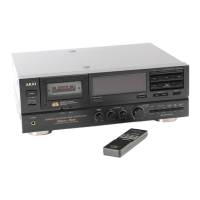
Akai Reference Master GX-75
55 pages
Print Icon
To Next Page IconTo Next Page
To Previous Page IconTo Previous Page
Loading...
A
little
know
how
goes
a
long
way
Auto
mute:
To
make
a4
second
blank
space
during
recording
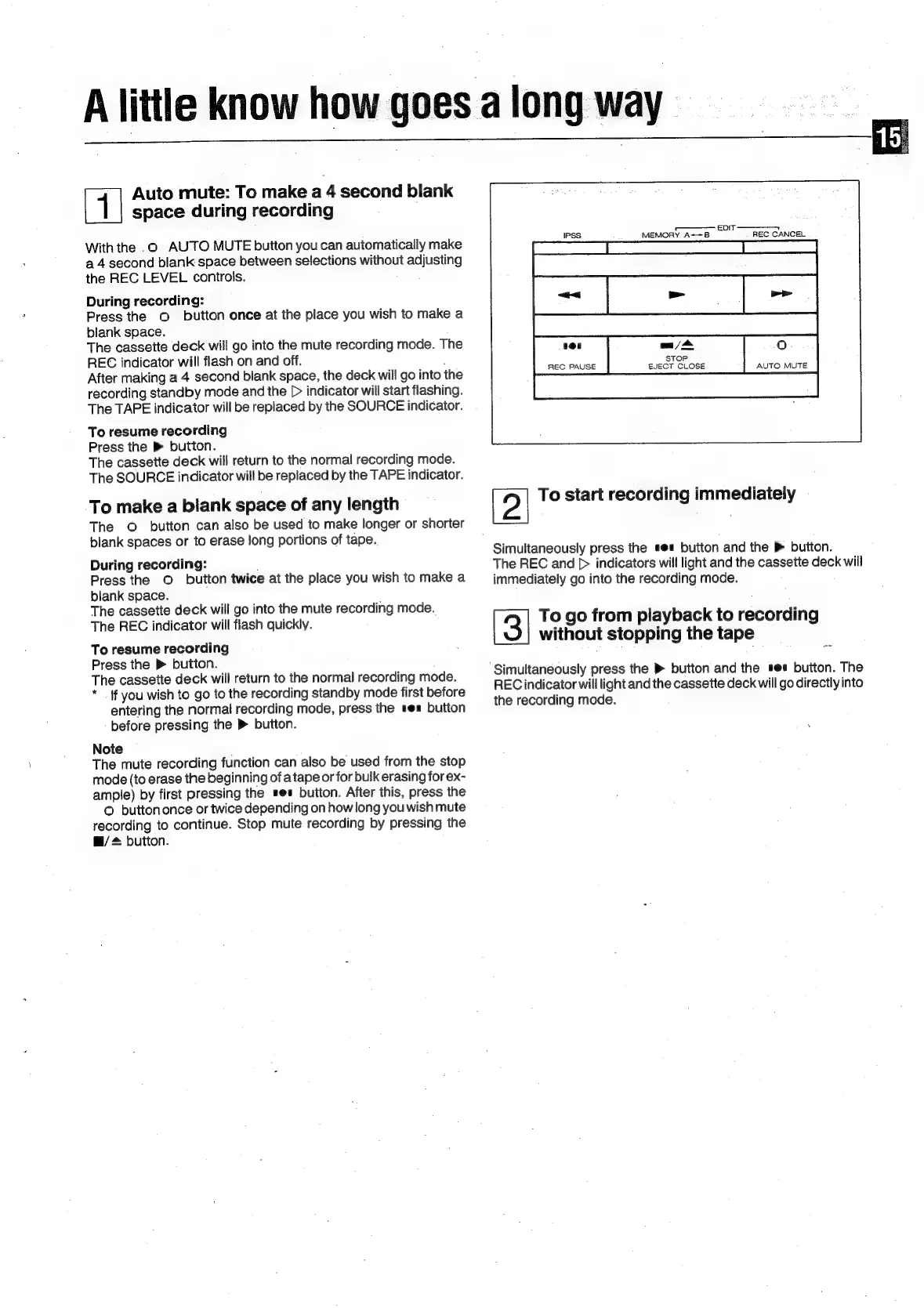
With
the
.0
AUTO
MUTE
button
you
can
automatically
make
a
4
second
blank
space
between
selections
without
adjusting
the
REC
LEVEL
controls.
During
recording:
Press
the
©
button
once
at
the
place
you
wish
to
make
a
blank
space.
The
cassette
deck
will
go
into
the
mute
recording
mode.
The
REC
indicator
will
flash
on
and
off.
After
making
a
4
second
blank
space,
the
deck
will
go
into
the
recording
standby
mode
and
the
[>
indicator
will
start
flashing.
The
TAPE
indicator
will
be
replaced
by
the
SOURCE
indicator.
To
resume
recording
Press
the
®
button.
The
cassette
deck
will
return
to
the
normal
recording
mode.
The
SOURCE
indicator
will
be
replaced
by
the
TAPE
indicator.
To
make
a
blank
space
of
any
length
The
©
button
can
also
be
used
to
make
longer
or
shorter
blank
spaces
or
to
erase
long
portions
of
tape.
During
recording:
Press
the
©
button
twice
at
the
place
you
wish
to
make
a
blank
space.
The
cassette
deck
will
go
into
the
mute
recording
mode.
The
REC
indicator
will
flash
quickly.
To
resume
recording
Press
the
»
button.
The
cassette
deck
will
return
to
the
normal
recording
mode.
*
If
you
wish
to
go
to
the
recording
standby
mode
first
before
entering
the
normal
recording
mode,
press
the
ses
button
before
pressing
the
>
button.
Note
The
mute
recording
function
can
also
be
used
from
the
stop
mode
(to
erase
the
beginning
of
a
tape
or
for
bulk
erasing
for
ex-
ample)
by
first
pressing
the
s@#
button.
After
this,
press
the
O
buttononce
or
twice
depending
on
howlong
you
wish
mute
recording
to
continue.
Stop
mute
recording
by
pressing
the
@/
+
button.
EDIT
—————
REC
CANCEL
201
mn
/
>
O-
STOP
REC
PAUSE
EJECT
CLOSE
AUTO
MUTE
To
start
recording
immediately
Simultaneously
press
the
se
button
and
the
»
button.
The
REC
and
[>
indicators
will
light
and
the
cassette
deck
will
immediately
go
into
the
recording
mode.
To
go
from
playback
to
recording
without
stopping
the
tape
‘Simultaneously
press
the
®
button
and
the
ses
button.
The
REC
indicator
will
light
and
the
cassette
deck
will
go
directly
into
the
recording
mode.

Related product manuals