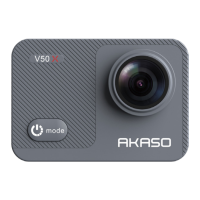
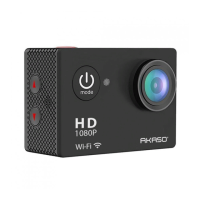
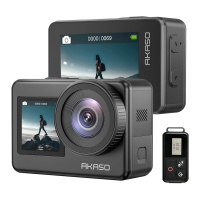
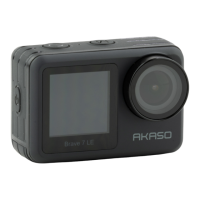
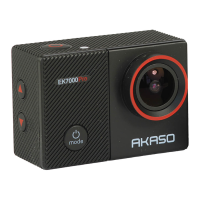
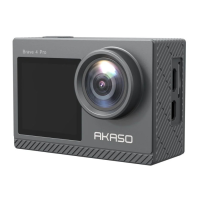
Welcome to your AKASO V50 Pro. To capture videos and photos, you will need a
memory card (sold separately).
Memory Cards
Please use brand name memory cards that meet these requirements:
• U3
• Capacity up to 128GB (FAT32)
Notes:
1. Please format the microSD card first in this camera before using. To keep your
microSD card in good condition, reformat it on a regular basis. Reformatting
erases all of your content, so be sure to offload your photos and videos first.
Getting Started
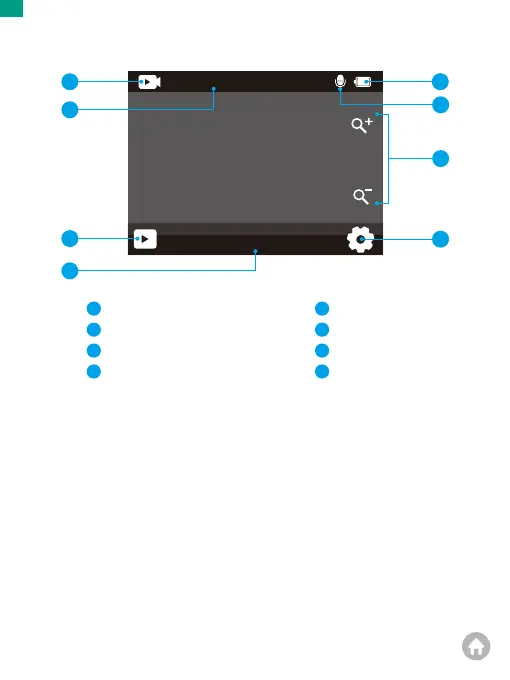
Preview Screen
Normal
4K30fps
01:19:42
1
2
3
4
8
5
6
Mode
Recording Time/Photos Remaining
Playback
Current Shooting Mode
1
2
3
4
Battery Status
Audio Recording
Zoom Level
5
6
7
Settings
8
7
01 02 03 04
05 06 07 08 09 10 11
12 13 14 15 16
17 18 19 20 21
22 23 24 25 26
EN


 To Next Page