Video
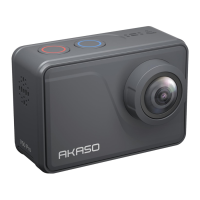
To record video, first make sure the camera is in Video mode.
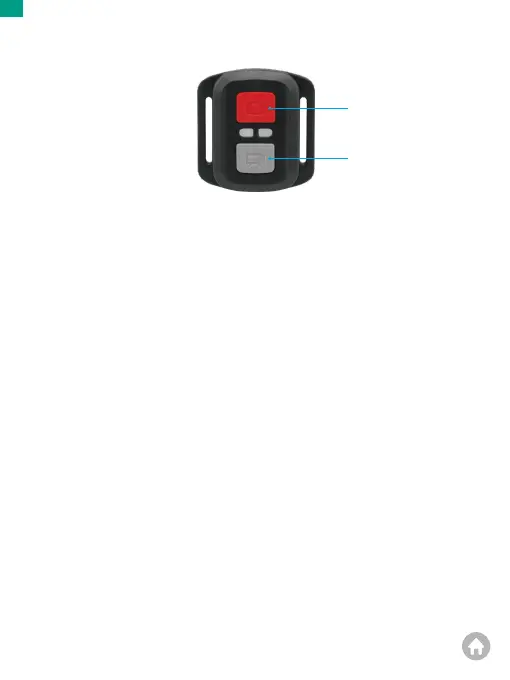
To start recording, simply press the gray video button. The camera will emit one
beep with the working indicator light flashing.
To stop recording, simply press the gray video button again. The camera will emit
one beep with the working indicator light turned off.
Photo
To capture a photo, first make sure the camera is in Photo mode, then press the
Photo button. The camera will emit a shutter sound indicating the completion of
the shot.
Burst Photo
To capture burst photos, first verify the camera is in Burst Photo mode, then press
the Photo button. The camera will emit a shutter sound indicating the completion
of the shot.
Time Lapse
To capture time lapse photos or videos, first verify the camera is in Time Lapse mode,
then press the Photo or Video button. The camera will emit a shutter sound
indicating the completion of the shot.
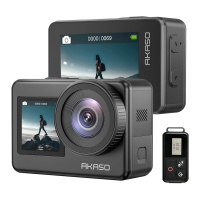
Remote
Photo button
Video button
Splashproof Only, Not Waterproof
01 02 03 04
05 06 07 08 09 10 11
12 13 14 15 16
17 18 19 20 21
22 23 24 25 26
EN


 To Next Page