TROUBLESHOOTING
NOTICE
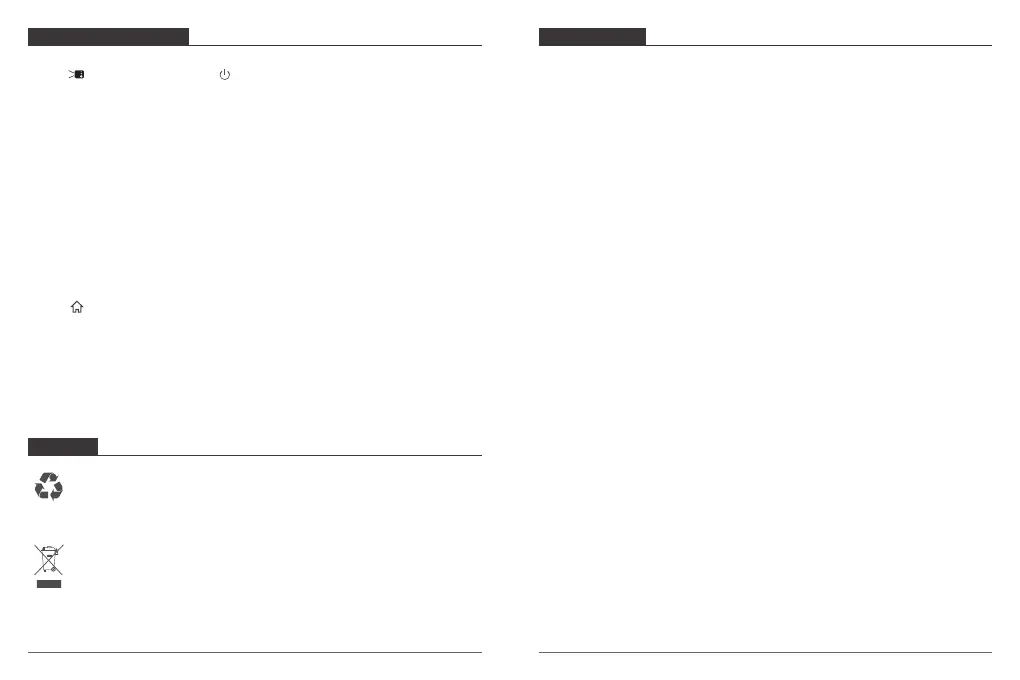
1. Fail to power on?
Slide to the left, and then press on the projector to power on.
2. The remote control doesn’t work?
Change new batteries and retry.
3. Blurred image?
Switch the focus adjusting wheel to get the best focus.
4. Cannot connect to a Wi-Fi network?
Refresh the list of available networks and retry.
Reboot the wireless router or the projector and retry.
5. Reversed projection image?
Press to access the home menu, select [Settings]>[Projector Mode] and switch to a
correct state.
6. How do I update the firmware?
When we have a new version, we will post the news to our listing and then you can
contact us for the updated firmware.
This production is designed and manufactured with high quality materials and
components, which can be recycled and reused.
This symbol means the product must not be discarded as household waste, and
should be delivered to an appropriate collection facility for recycling. Follow local
rules and never dispose of the product and rechargeable batteries helps prevent
negative consequences for the environment and human health.
For any inquires, issue or comments concerning our products, please send E-mail to the
address below, and we will respond as soon as possible.
Email: cs@akasotech.com
CONTACT US
21 22


 To Previous Page