- 13 -
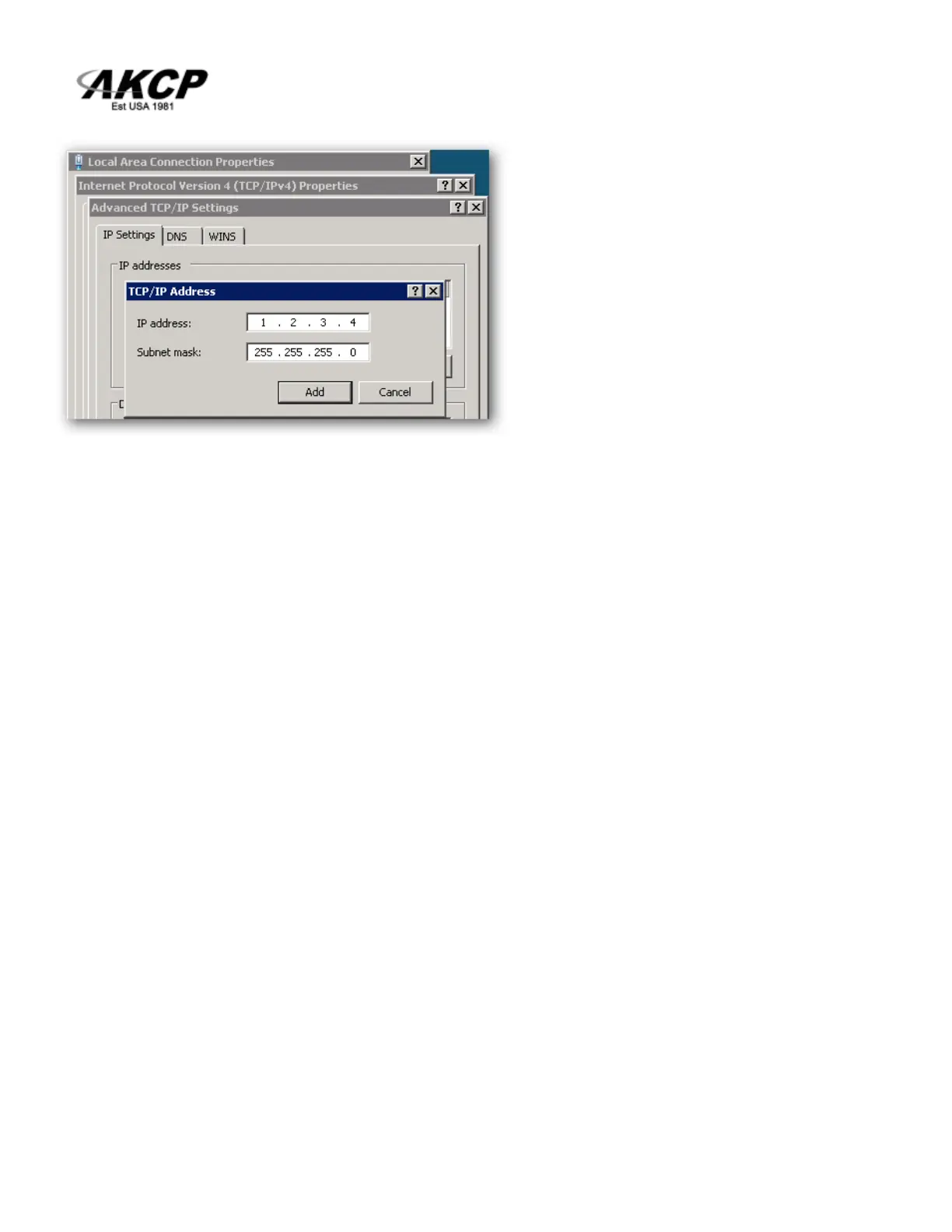
Or open an Administrator Command Prompt (CMD) window and type:
netsh interface ipv4 add address “Local Area Connection” 192.168.0.2
255.255.255.0
The above command adds the IP Address 192.168.0.2 (with Subnet Mask 255.255.255.0) to the
connection titled “Local Area Connection”.
You will then be able to connect to the unit with its default IP.
Note: The secondary IP address is permanent for the LAN connection; don’t use it if you only need it
once. Instead use the routing table method above.



 To Next Page