- 38 -
Notifications and Events
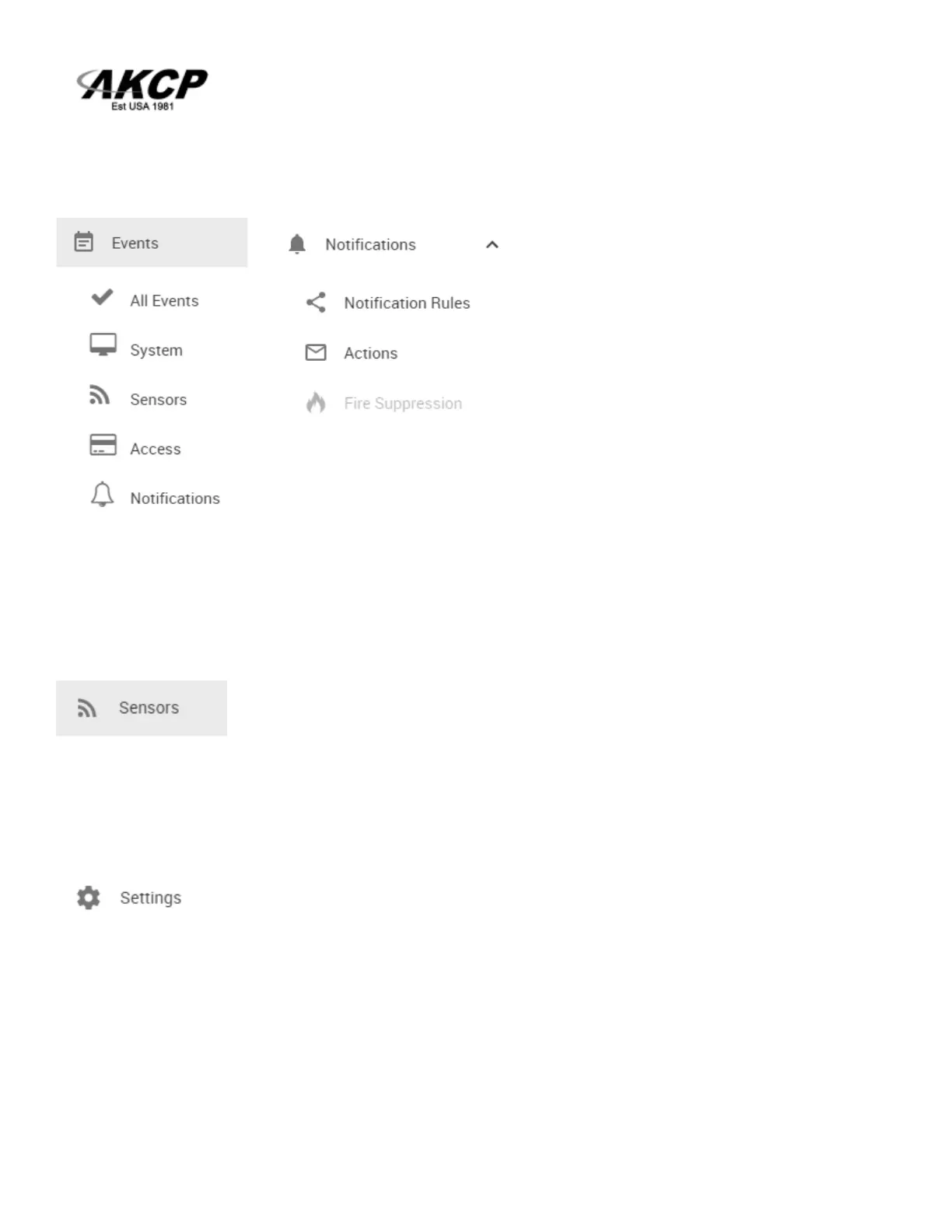
You can view all of the SP+ unit’s events and filter them by each of the
categories’ listed above in the Events drop down menu.
Please refer to the SP+ units “Notifications Manual” for setting up the alerts and the Event log on the
units.
The Sensors menu
The “Sensors” shortcut will allow you navigate directly to the sensors setting page where you can
setup the sensors connected to the unit. This is covered in the Sensors section in this manual.
The Settings menu
This shortcut will take you to the unit’s system settings pages. Each page will be described below in
detail.



 To Next Page