- 45 -
The unit will notify you about the successful language installation. If you installed it from the list, it
won’t change the language of the Web UI automatically.
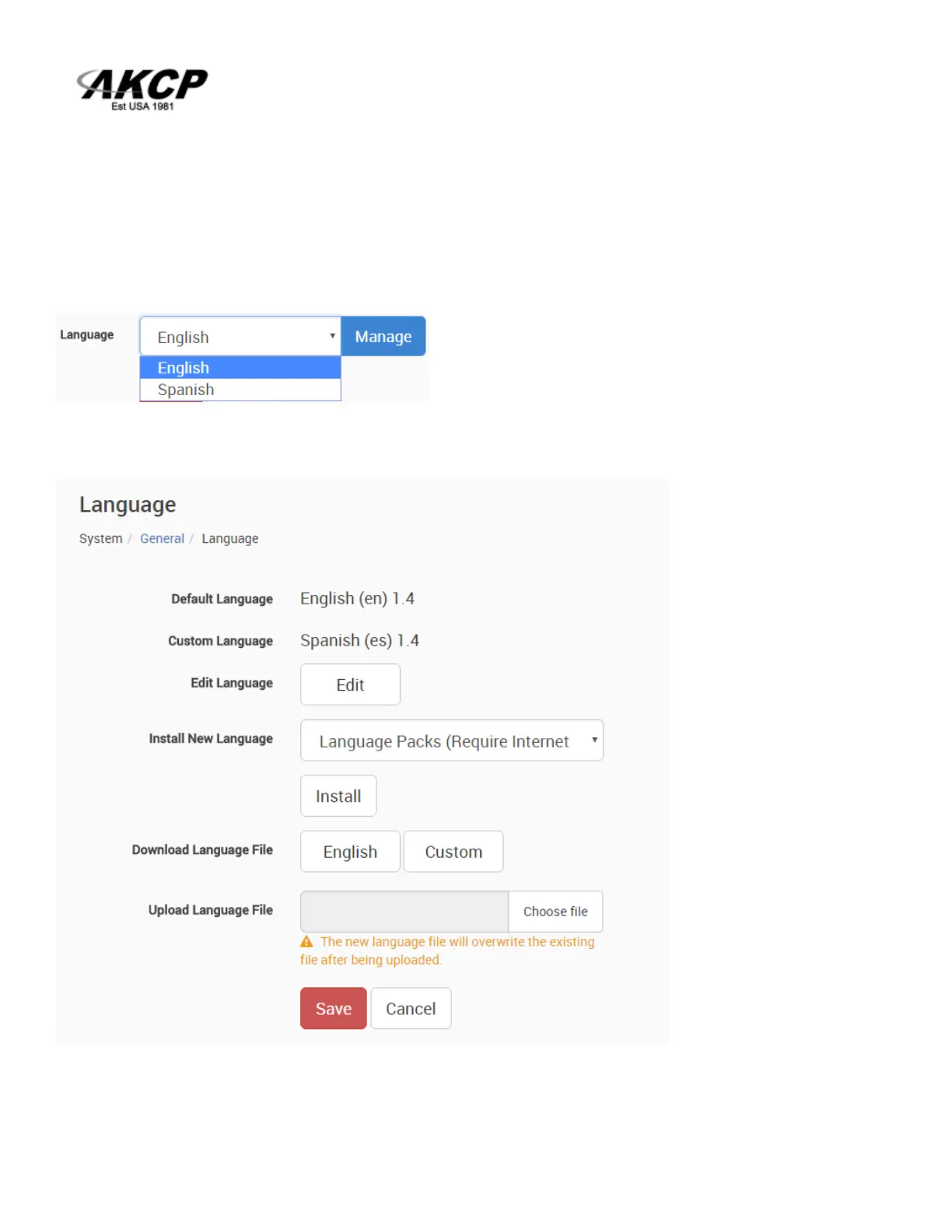
Now you can switch display languages by selecting from the drop-down list on the General page,
then pressing Save:
After you’ve added the custom language, you can manage it from the same menu:
Note: The official language files are also included in the firmware update packages.



 To Next Page