- 62 -
Services
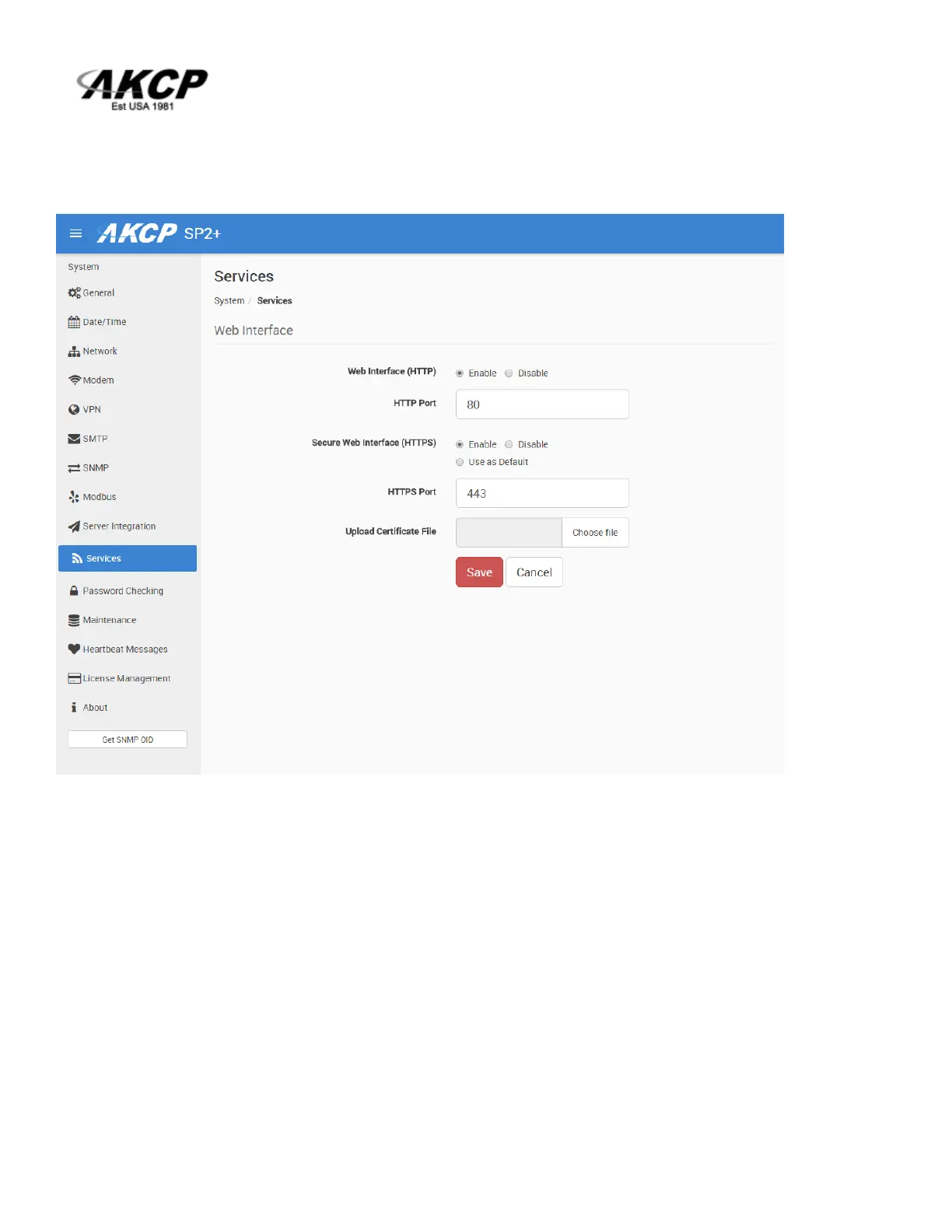
You can close or change the ports used to access the unit’s web interface, disable HTTP and enable
HTTPS only, which can also be set to be used as default.
On the SP+ family, the HTTPS supports TLS v1.1 and v1.2.
The HTTPS cypher suites are not customizable.
Using the “Upload Certificate File” option you can upload an SSL certificate that will be used by the
unit’s Web UI for HTTPS connection (see below).
Important: the default, built-in self-signed SSL certificate is only provided for user convenience so
that the HTTPS WebUI would work on the units out of the box. It WILL raise browser SSL security
warnings and is not meant to be used in production environments where higher security is mandatory.
To use SSL without warnings, you need to either add the units IP address to the exceptions, or
replace the certificate using the method described below.



 To Next Page