- 81 -
General options for all sensors
You can change the following general options for all sensors:
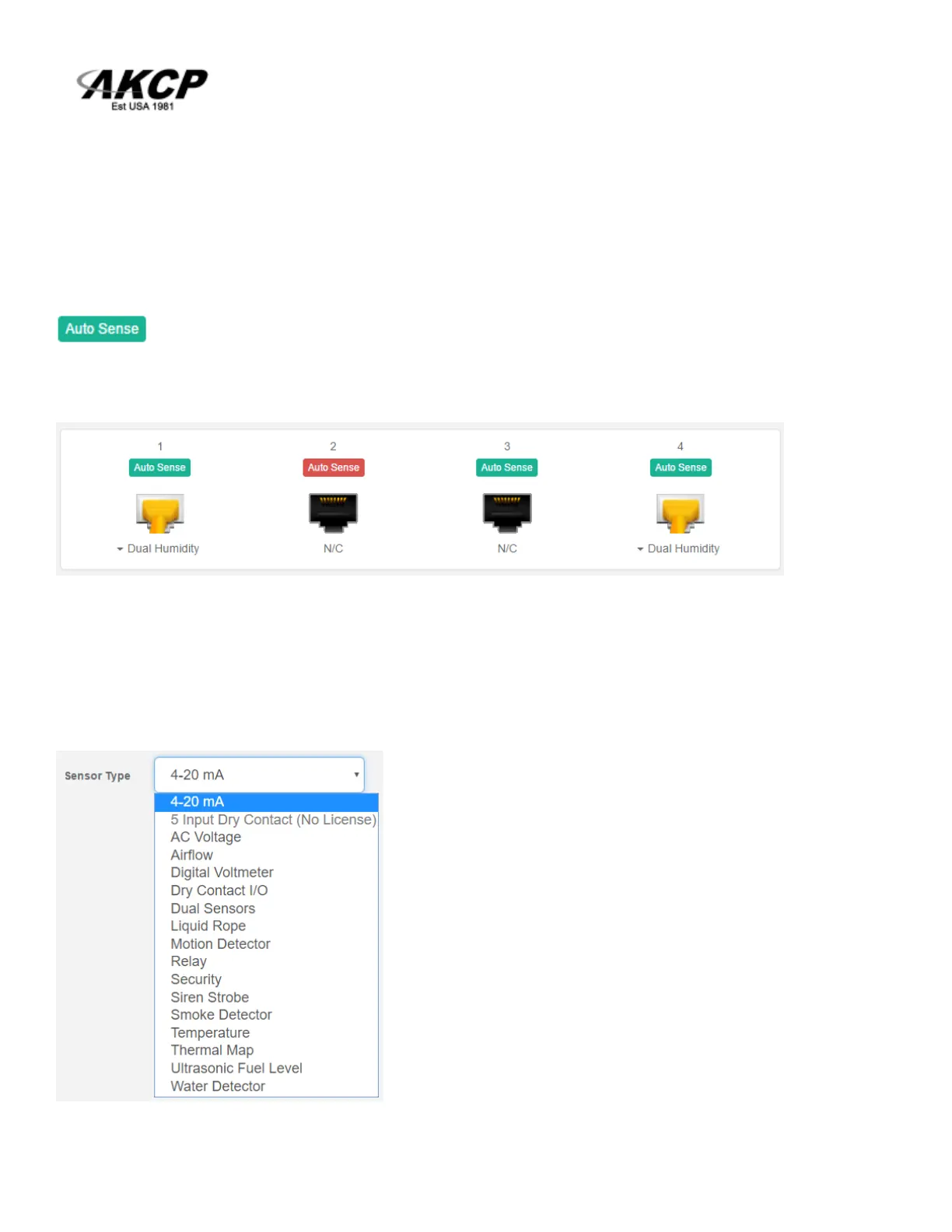
Disable Auto Sense
Click on the Auto Sense button to turn off the automatic sensor detection for a port.
This feature is useful if you want to simulate a sensor (this works for Relay type sensors) or to
prevent a sensor from going offline state. Note however that the sensor will be in “sensor error” state
if the unit can’t get any reading from the sensor.
Choose Sensor Type



 To Next Page