- 93 -
Relay Sensor
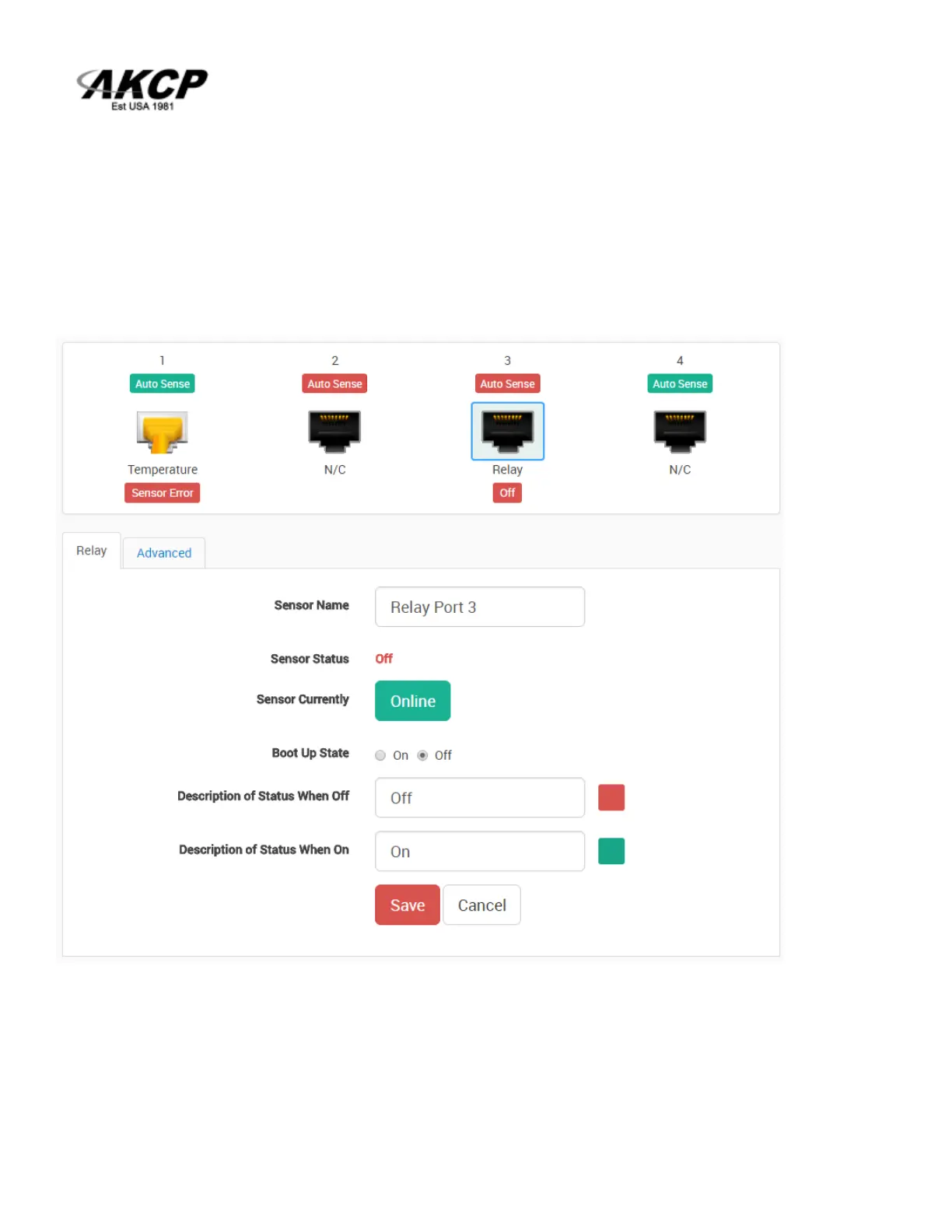
Click on the sensor port where the sensor is connected to open the sensor’s configuration.
Note: another way of accessing this page is to click on the sensor from the Summary page.
You can directly see the Relay’s current status below the sensor port.
Boot Up State: You can change the state of the relay when the unit starts. The default is Off.
Description of Status When Relay Off/On: These fields are the custom description, which will be
displayed in the Relay Status field when the relay state is off/on. The same text is listed as one of the
relay actions used to turn off/on the relay. Examples for this field are Close/Open Door, Turn Pump
Off/On, Turn Light Off/On, etc.



 To Next Page