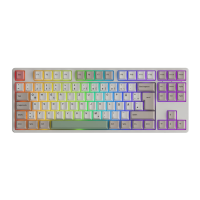
\
→
→
→
→
DEL
L
【 】
Ctrl
BackSpace
1 2 3 4 7 8 9 0 - =
FnAltAltWin
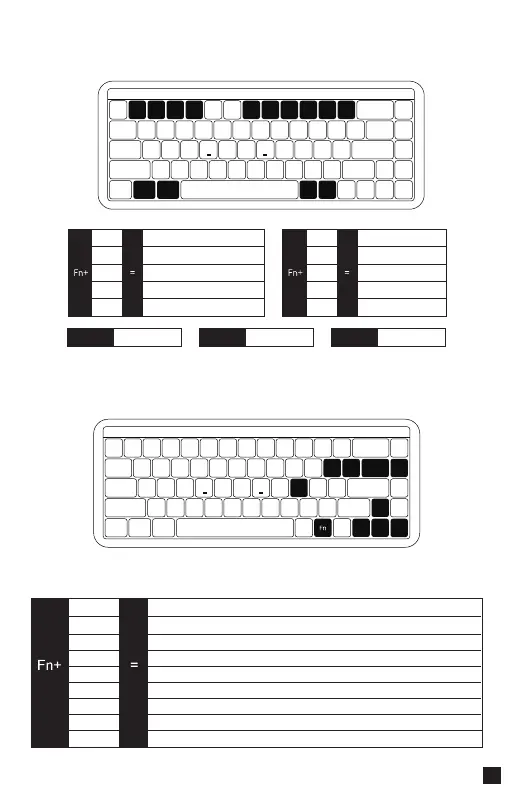
MU01 System Commands (Mac)
MU01 Backlight Settings
0108
1
2
3
4
7
Decrease display brightness
Increase display brightness
Open mission control
Activate Siri
Skip back (Audio)
8
9
0
-
=
Pause/Play (Audio)
Skip forward (Audio)
Mute
Volume down
Volume up
Left Win
Option
Left Alt
Command
Right Alt
Command
Bright
Dim
Set animation direction to left
Set animation direction to right
Slower Animation
Faster Animation
Light Off/On
This shortcut allows you to set the backlight color to 7 single color with RGB loop effect
Effect 1-Effect 20
Del
↑
↓
←
→
】
L
\
【


 To Next Page