Quick Guide
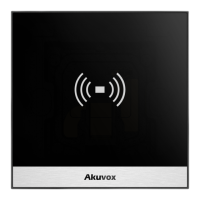
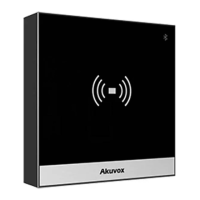
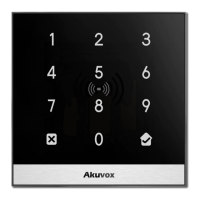
A01/A02/A03
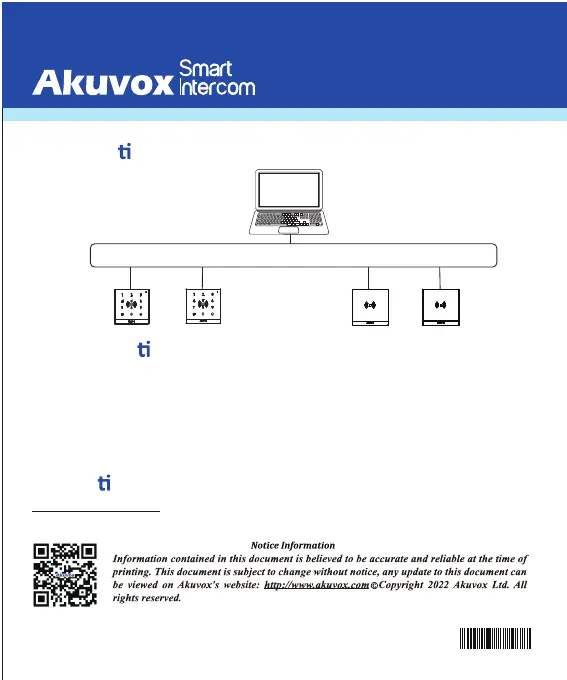
Applica on Network Topology
Configura
on
6
Opera on
Unlock by RF Card
Place the predefined RF Card in the RF reader area to open the door.
AKUVOX (XIAMEN) NETWORKS CO., LTD.
Add.: 10/F, NO.56 GUANRI ROAD, SOFTWARE PARK II, XIAMEN 361009, CHINA
www.akuvox.com
.......
PC
LAN
PoE PoE
PoE PoE
A02
A02
A01/A03
A01/A03
1. Obtain IP address: While A01/A02/A03 starts up normally, clic
k Search key
in the I P Scanner tool to
search the I P address.(Please consult Akuvox Technical Team for IP Scanner tool).
2. Access the Web UI: Enter the device IP address and press Enter, then enter the username and login
password. The default user name and password are all “ admin”.
3. Add User: Navigate to Directly > User on the web interface, where you enter the user ’s information and
click Submit for the confi rmation.
YS00000417


 To Previous Page