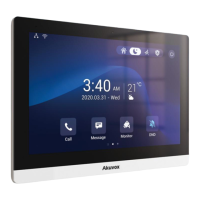
Directly click Contact icon .
If you want to make an audio call, click Audio Call icon . If you want to make a
video call, click Video Call .
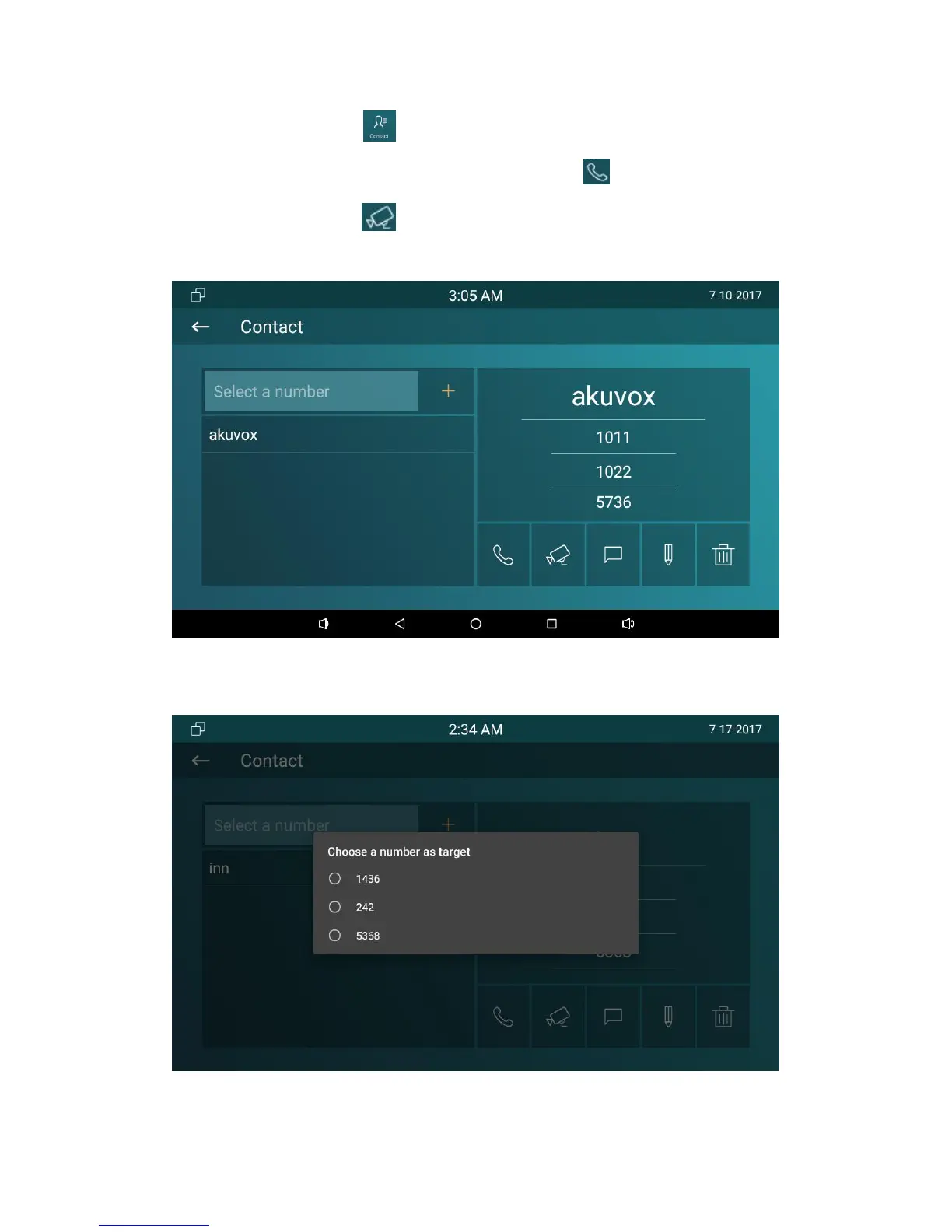
Contact is shown as below:
If the contact has multiple numbers, after clicking the calling mode, user need to
choose the number you want to call.



 To Next Page