Helpful Information
C
5
2. If you do not hear audio:
Ensure that the ‘audio out’ port of your TV connected to
the HearLink PLUS is active. For some devices you need
to enable the audio output. Refer to your device’s user
manual.
Toggle the Play/Pause button on the BeHear neck
speaker or button on the HearLink PLUS.
3. If the automatic connection is delayed, briefly shift up
the BeHear PROXY Power button to reconnect it
to a previously paired HearLink PLUS transmitter.
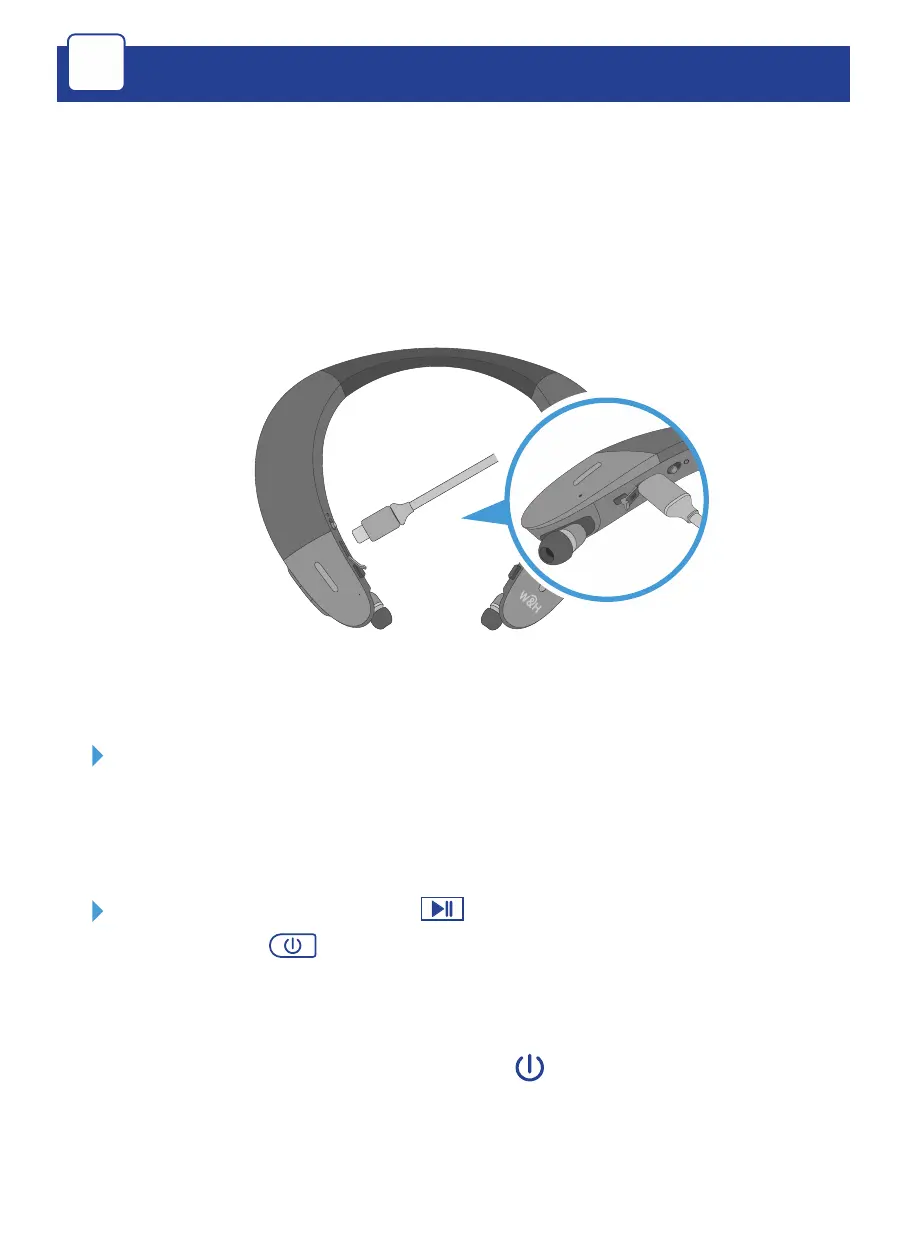
1. Charge the neck speaker directly from a wall outlet or
computer USB port.
The LED indicator is red during charging and turns green
when the neck speaker is fully charged.
Full charging takes up to 3 hours.



 To Next Page