19
Using your CD Radio Boombox
section of these instructions, or online at www.argos-support.co.uk
Using your CD Radio Boombox
Let’s get started
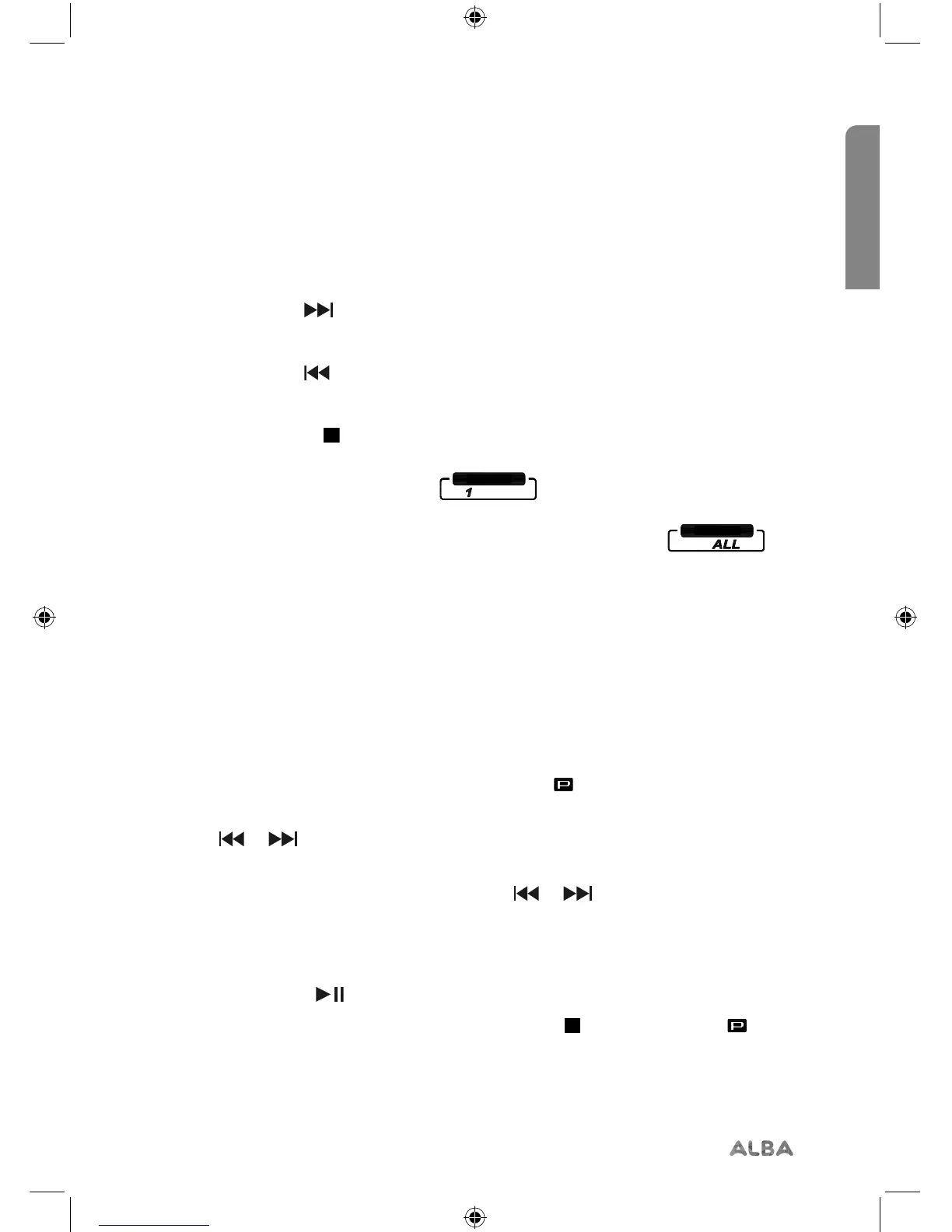
• Fast forward within a track:
Press and hold the button.
• Fast backward within a track:
Press and hold the button.
• Stop:
Press and release the button.
• Repeat:
Press and release the Repeat button,
is
displayed.
Continuously press and release the Repeat button to cycle through the available
options of Repeat (current track), Repeat all (all the tracks on the CD) or Repeat o.
Programmed play mode
In programmed play mode, you can programme the play order of the tracks on your CD.
You can program up to 20 tracks in total.
1. In CD mode, with the CD you wish to programme in the CD compartment and
stopped, press and release the Program button. The icon and ‘01’ for the first track
in the programmed play list, will flash in the display.
2. Use the or buttons to go to the track number that you would like to program
to play first. Press and release the Program button to confirm.
3. ‘02’ will now be displayed and you can use the or buttons to select the
second track. Continue to select each track as in Step 2 above, up to a total of 20
tracks. Press and release the Program button again to confirm the last track in the
programmed play mode list.
4. Press and release the button to play the programmed tracks.
5. To exit programmed play mode, press and release the button twice. The icon in
the display will go out.


 To Next Page