18
Getting familiar with Android
TM
Syncing your photos/videos automatically on your Android devices.
On your tablet:
1. Make sure that you are connected to a WiFi network.
2. Go to ‘Google Photos’ app and select your Google account.
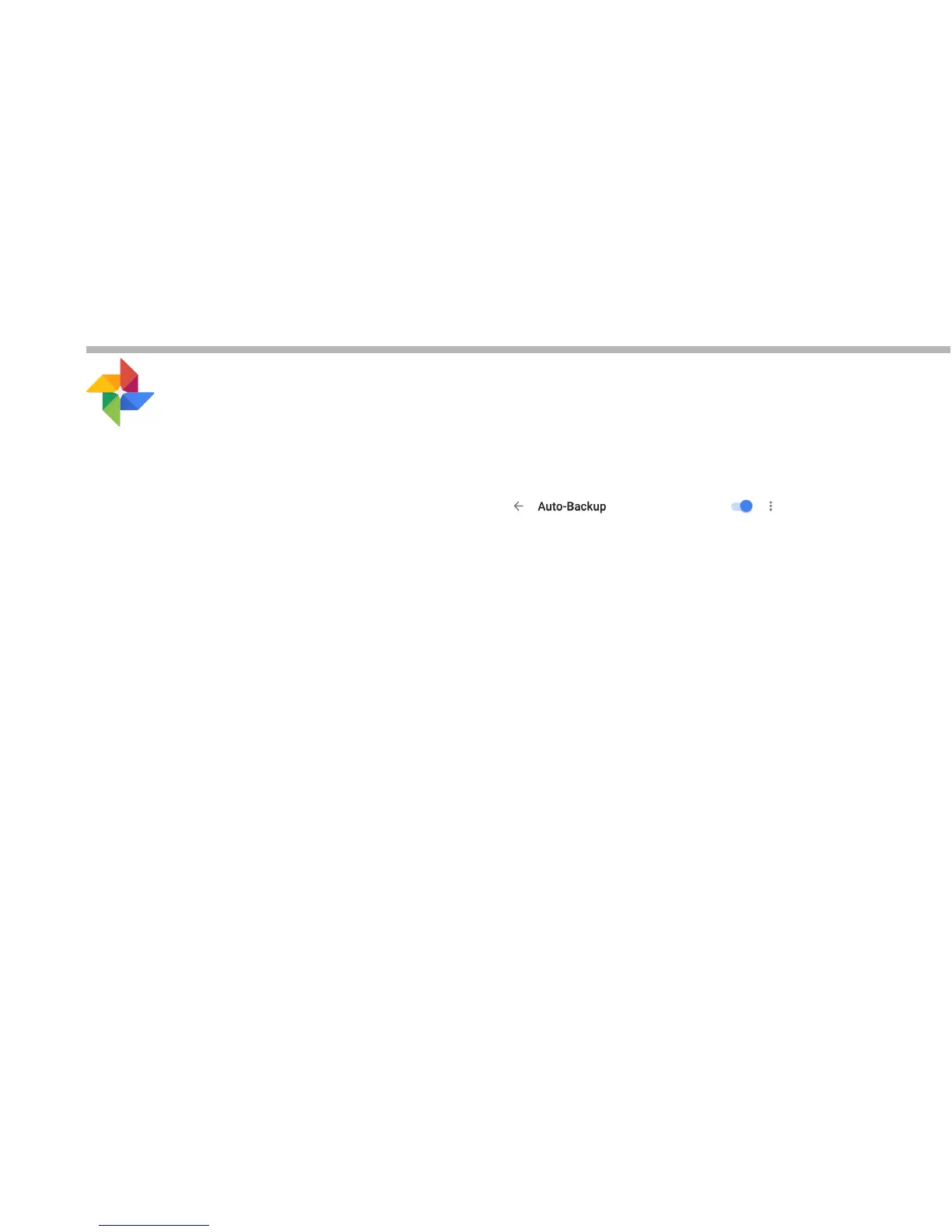
3. Make sure ‘Auto-Backup’ is turned on
4. Select how you want to back-up your photos and videos (over Wifi or
mobile network).
5. Go to ‘Settings’. Under Accounts/Google, touch your Google email
address and verify ‘Google Photos’ are checked to sync.
- After setting up your account, open ‘Photos’ app.
- Sign into your Google account.
- In the app Settings, turn on ‘Auto Back up’.
On your phone, repeat process.
Your photos will be automatically uploaded to your Google+ private album.



 To Next Page