8
Connecting to a WiFi network
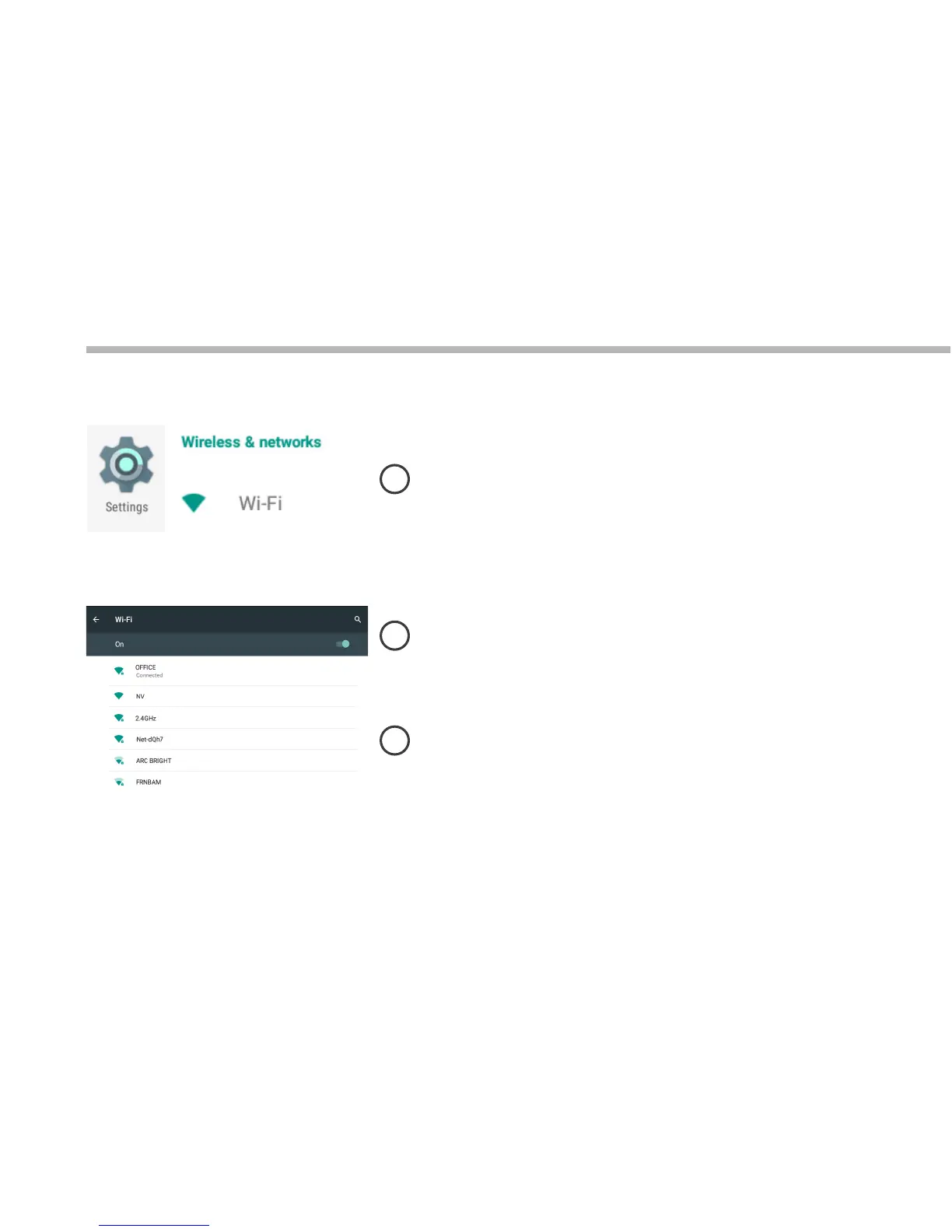
Touch ‘Settings’ to open the WiFi
settings menu.
WARNING: Make sure that you are in a WiFi zone.
1
2
3
If the WiFi is o, slide the WiFi switch to
the ‘ON’ position. Once the WiFi is ON, the
device will scan for WiFi networks in range.
Touch the name of network you want to
connect to. Private networks are shown with
a lock icon and will require you to enter your
password.



 To Next Page