Getting to know your Alba 8" Tablet
You’ll be up and running in no time.
How to format a SD card
1. Insert a SD card into the SD Slot
2. Click"ok"when pop up SD card ready
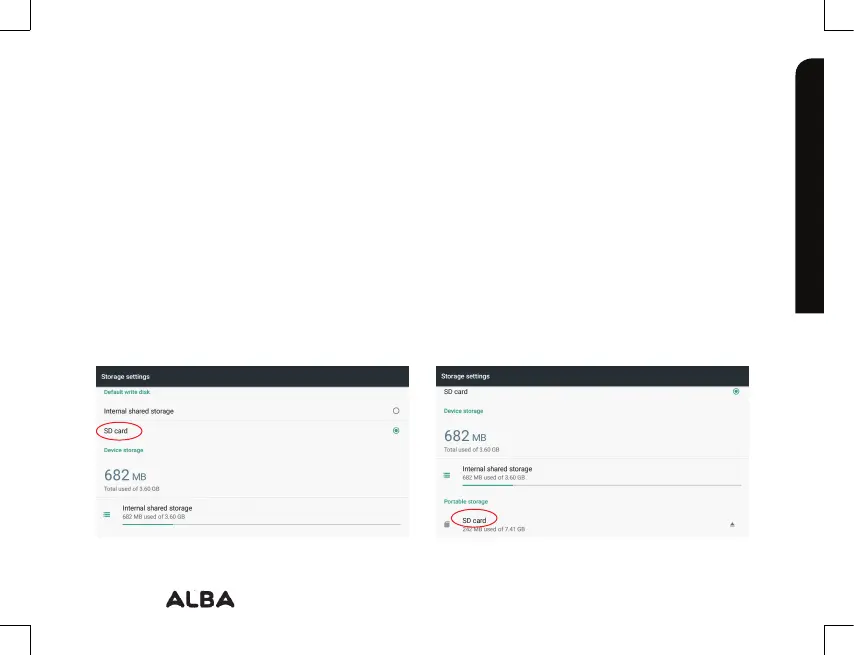
3. Go to "storage settings" and choose "SD Card" as Default write disk
4. Select the "storage settings page" and click "SD Card" option on portable storage
26
If you require any technical guidance or find that your product is not operating as intended, a simple solution can often be found in the
Getting to know your Alba
Warning: Formatting an SD card will wipe any and all data inside SD card, please transfer all
onto a computer before formatting a SD Card.
The SD card should be specifically formatted before the option to install or transfer Apps.



 To Next Page