30
If you require any technical guidance or find that your product is not operating as intended, a simple solution can often be found in the
Getting to know your Alba 8" Tablet
You’ll be up and running in no time.
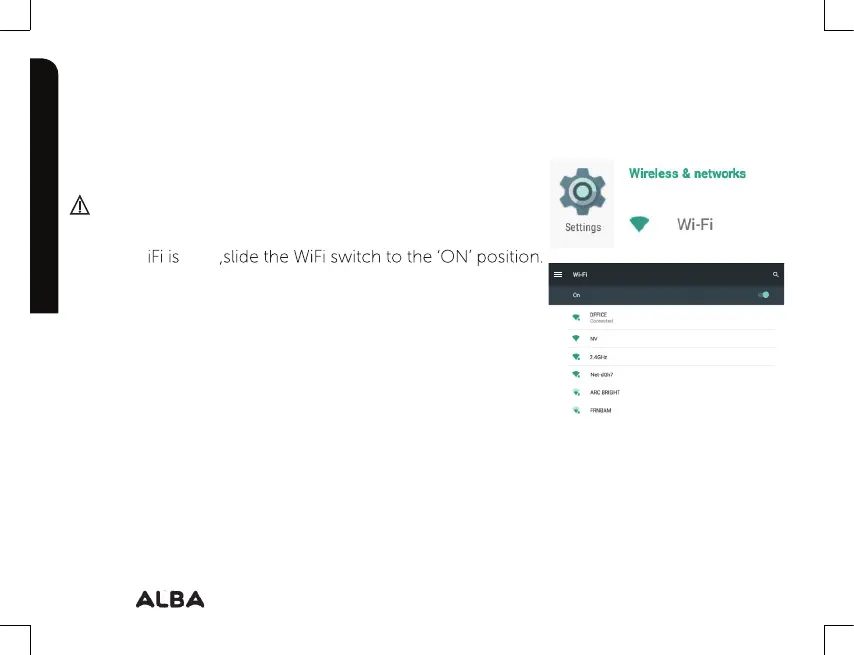
Connecting to a WiFi network
Make sure that you are in a WiFi zone.
1. T
ouch ‘Se
ttings’ to open the WiFi settings menu.
2. I
f the W
Once the WiFi is ‘ON’, the device will scan for WiFi networks
in range.
3. T
ouch the name of network you want to connect to.
Private networks are shown with a lock icon and will require
you to enter your password.
Getting to know your Alba
‘OFF’



 To Next Page