Troubleshooting section of these instructions, or online at www.argos-support.co.uk If you still require further assistance, call one of our
39
Using your Alba 8" Tablet
Let’s get started.
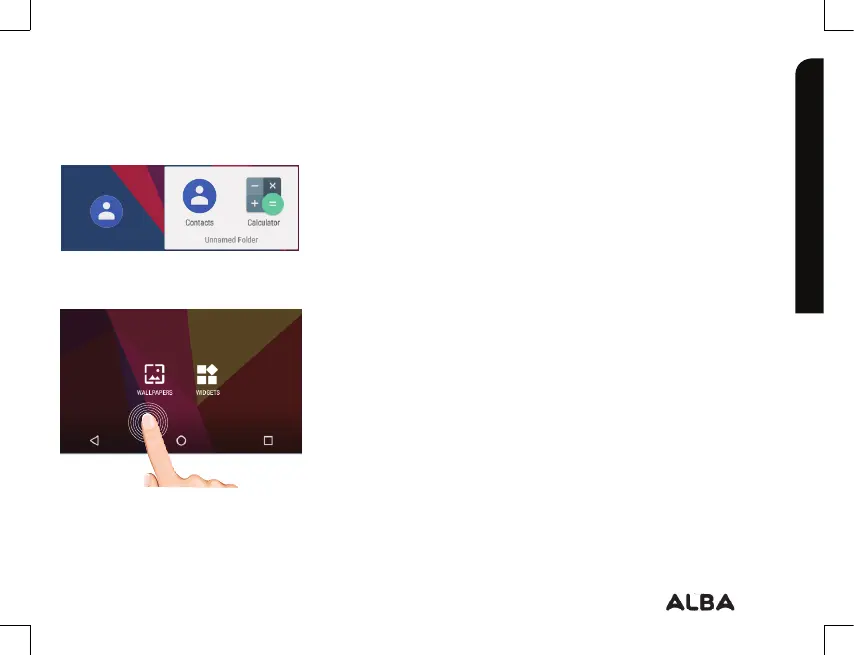
Creating application folders: to organise your apps,
drop one app icon over another on the home screen
and the two icons will create a folder. You can add
many more apps in it. To remove one app from a
folder, touch, hold, and drag it to ‘Remove’ (appearing
on the top of the screen). Tap on ‘Unnamed Folder’ to
name it.
Changing your wallpaper and widgets: hold your
finger on the home screen at an empty location, then
touch ‘Wallpapers’ or ‘Widgets’ and choose from the
list.
Using your Alba
experts on 0345 604 0105



 To Next Page