42
If you require any technical guidance or find that your product is not operating as intended, a simple solution can often be found in the
Syncing your photos/videos automatically on your Android devices
1. Make sure that you are connected to a WiFi network.
2. Go to ‘Google Photos’ app and select your Google account.
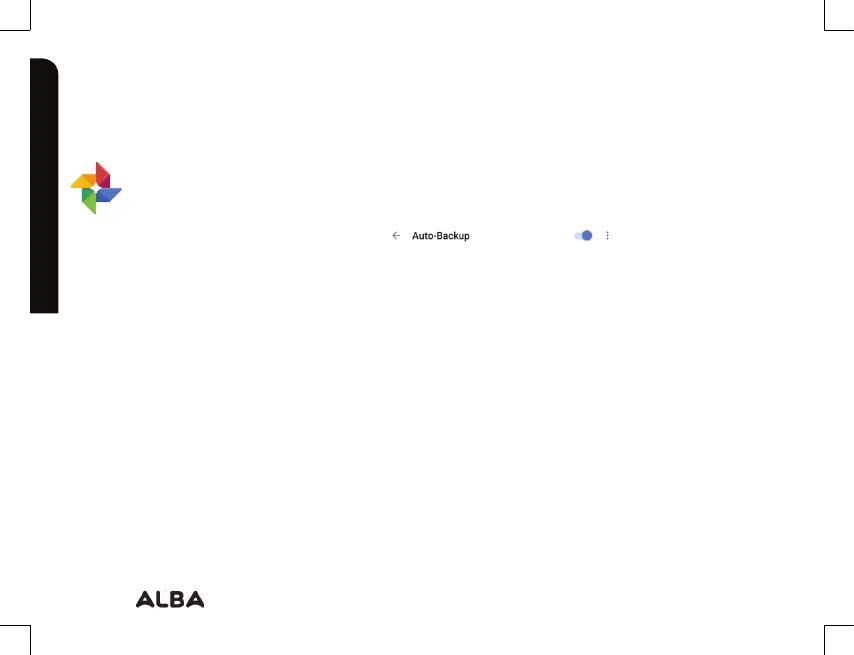
3. Make sure ‘Auto-Backup’ is turned on
4. Select how you want to back-up your photos and videos (over Wifi or mobile network).
5. Go to ‘Settings’. Under Accounts/Google, touch your Google email address and verify
‘Google Photos’ are checked to sync.
- After setting up your account, open ‘Photos’ app.
- Sign into your Google account.
- In the app Settings, turn on ‘Auto Back up’.
Using your Alba 8" Tablet
Let’s get started.
Using your Alba
Google, Android, Google Play and other marks are trademarks of Google Inc.



 To Next Page