Page 10
Troubleshooting
In the unlikely event of difficulties with your appliance please
follow the trouble shooting guide below. If the problem persists,
visit the technical support website: www.argos-support.co.uk
Problem Reason(s) Solution(s)
• No Power • The unit requires
charging
• Connect to a PC or laptop
using the supplied cable
to charge. Or purchase a
compatible USB mains
charger.
• No Sound • Volume is too low
• Playback is not
initiated
• No MP3 files have
been copied to the
internal memory
• The earphones have
not been connected
correctly
• Increase the volume
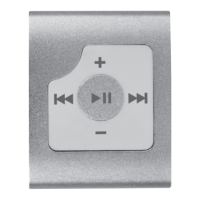
• Press the PLAY/PAUSE
button
• Follow ‘Adding music’
instructions on page 6 of
this manual
• Insert the 3.5mm
earphone plug into the
earphone socket on the
MP3 player
• Sound is
distorted
• Volume is too high • Reduce the volume
• Cannot
charge the
unit
• The ON/OFF switch
is set to the OFF
position
• Set the ON/OFF switch to
the ON position.
User instructions



 To Next Page