Page 6
Switching the unit ON/OFF
To conserve battery life you can switch the unit off when not connected to
a power source.
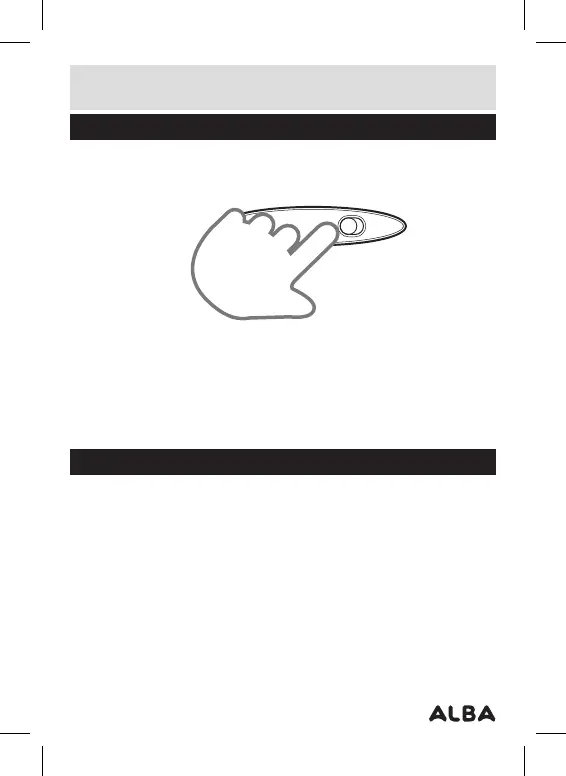
1: Set the ON/OFF switch (3) to the ON position to power the unit ON. The
blue led (1) will illuminate.
2: To switch the unit OFF set the ON/OFF switch to the OFF position. The
blue led (1) will go off.
Adding music
Once the unit is charged or during charging (pc/laptop connection only)
you can copy MP3/WMA files to the MP3 player.
1: When the unit is connected to a pc or laptop a driver is automatically
installed and the device is then available in the list of devices (Named
CMP322_4G).
2: Copying MP3/WMA files is a simple as dragging & dropping files to the
device. During file transfer the blue led will flash quickly.
3: Should you have trouble finding the device, on a pc this can be found in
the ‘computer’ or ’my computer’ screen.
User instructions



 To Next Page