3
Troubleshooting section of these instructions, or online at www.argos-support.co.uk If you still require further assistance, call one of our
experts on 0207 744 0346.
Contents
Safety information.........................................5
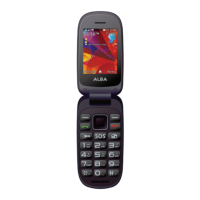
Getting to know your Alba Flip Phone..19
Ready let’s begin...............................................20
Accessories..........................................................21
Device description............................................22
Button description............................................23
Assembling..........................................................25
Using the docking station.............................26
Icon description................................................27
Using your Alba Flip Phone.......................29
Turning on/o....................................................30
Making a call.......................................................30
Answering a call.................................................31
Adjusting the volume during a call.............31
Accessing all menus.........................................31
Changing your ringtone.................................32
Calling a recently dialled number...............32
Adding a new contact.....................................32
Creating an SMS.................................................33
Product support............................................35
Troubleshooting................................................36
Help and assistance..........................................37
Environmental considerations.....................38
Your Alba guarantee.........................................39


 To Next Page