Using your phone
31
Troubleshooting section of these instructions, or online at www.argos-support.co.uk If you still require further assistance, call one of our
experts on 0207 744 0346.
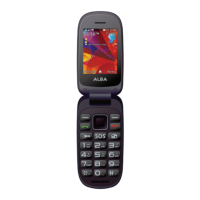
Using your Alba Flip Phone
You’ll be up and running in no time
Answering a call
1. When a call comes in, press the Dial key.
2. To end the call, press the End/Power key.
Adjusting the volume during a call
During a call, press the Navigation key UP to increase the volume and the Navigation
key Down to decrease it.
Accessing all menus
1. From the homescreen, press the OK key.
2. Use the Navigation Key to choose the desired operation and press the OK key to
enter the selected operation.
You can exit a menu and return to standby mode by pressing the Right Soft key or
the End key.


 To Next Page