3 Getting familiar with your STB
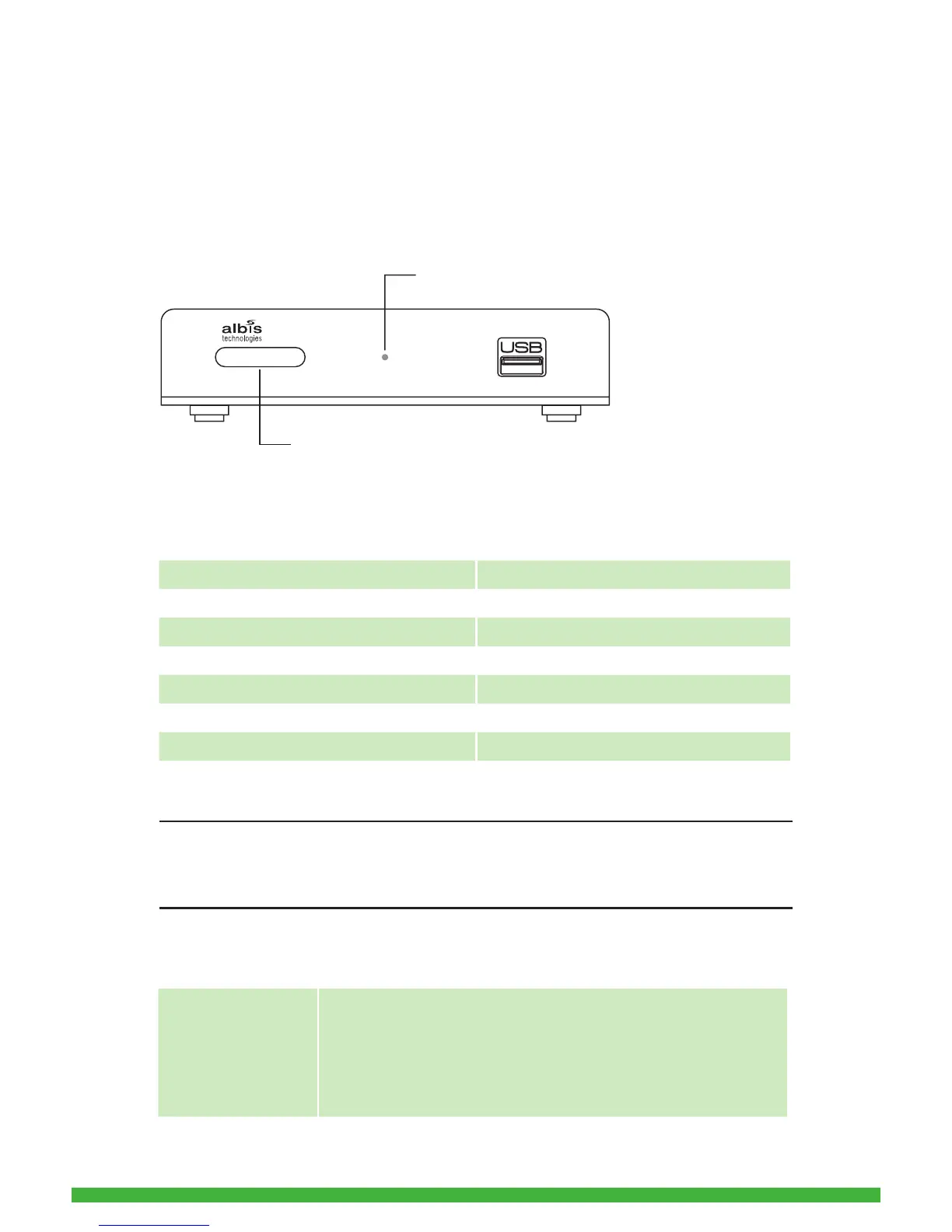
3.1 Front view
On the STB‘s front side you nd the Infrared Receiver, the Operation Mode
Indicator and an USB-Interface.
Operation Mode Indicator
The meaning of the Operation Mode Indicator is as follows:
Note:
Do not unplug the external power plug during a software update! This could
damage your STB
Standby Mode
Operation Mode Illumination of Standby Button
STB switched off OFF
STB in standby red
STB switched on (startup and operation) green
Key pressed on Remote Control green ashing
During Software Update green
Software Update successful green
Software Upadate failed red fast blinking
Standby Button on
the Remote Control
You can set the STB to standby by pressing the standby
button on the Remote Control.
The STB can be switched on by pressing the standby button
on the Remote Control again. After switching on the STB is
ready to use within a few seconds.


 To Next Page