25
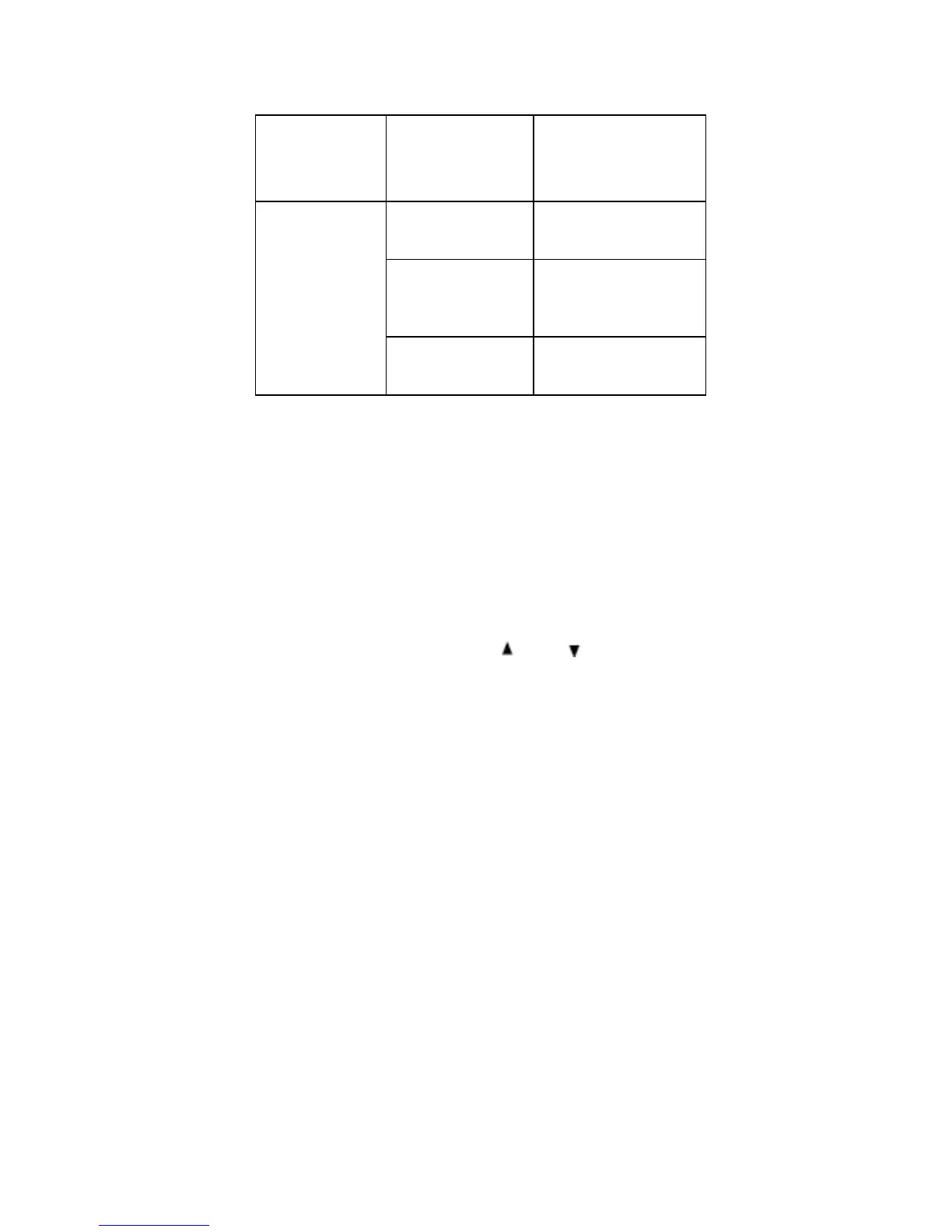
Scan
won’t
start.
You must
press RSM/
HOLD to scan.
Press RSM/HOLD.
The squelch
might need to
be adjusted.
Adjust the squelch
threshold.
One or more
channels might
be locked out.
Make sure the
channels you want
to scan are not
locked out.
The antenna
might need to
be adjusted.
Check the antenna
connection.
Resetting the Scanner
If the scanner's display locks up or stops operating properly,
you might need to reset the scanner.
Caution: This procedure clears all the information (except
the band plan data) you have stored in the scanner. Before
you reset the scanner, try turning it off and on to see if it
begins working properly. Reset the scanner only when you
are sure it is not working properly.
• Turn off the scanner.
• While holding down
and , turn on the
scanner.
• It takes about 3 seconds to initialize and CLEAr
appears.
Repairs
Do not attempt any repair. The scanner contains no user
serviceable parts.


 To Next Page