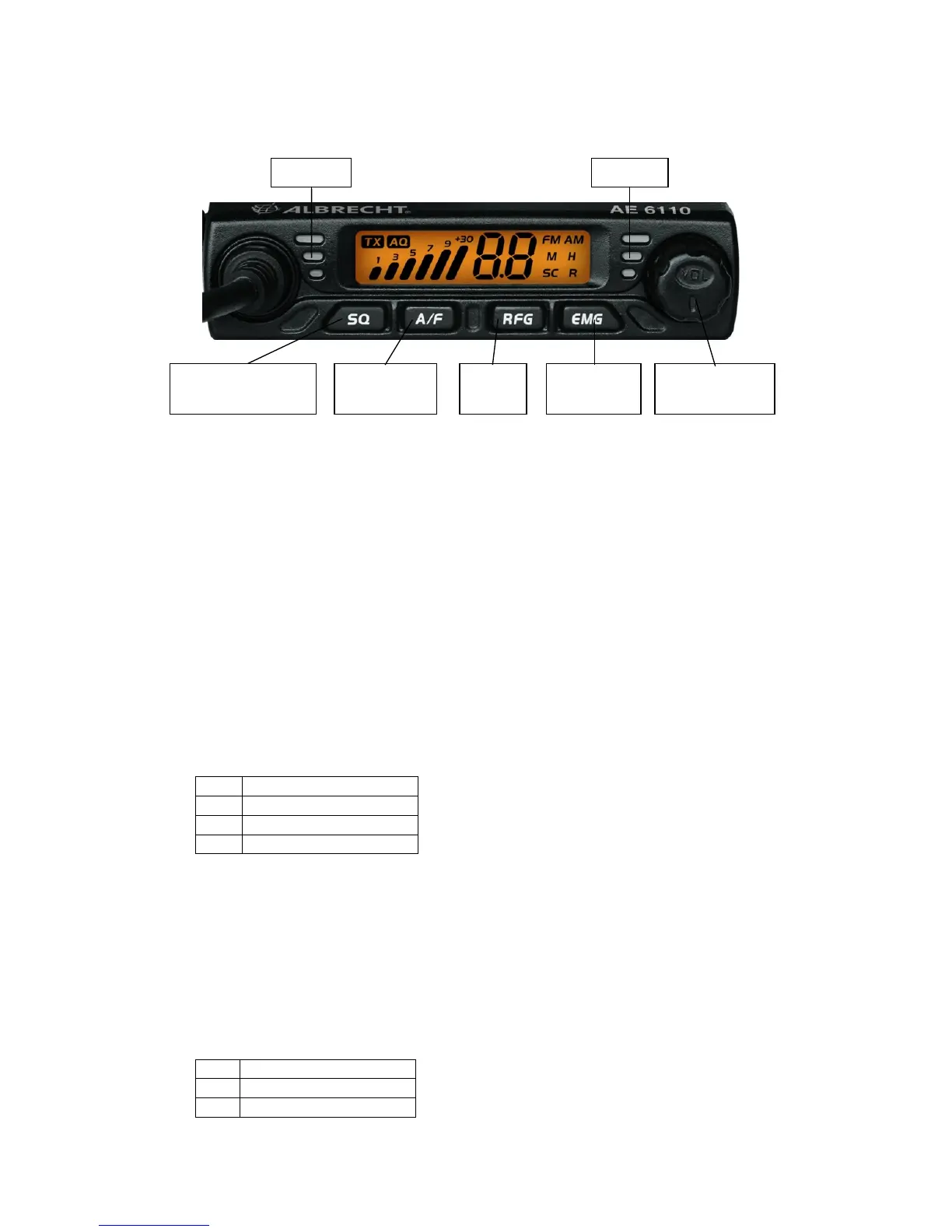
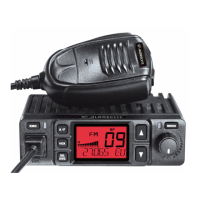
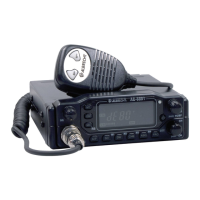
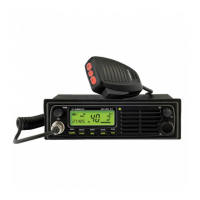
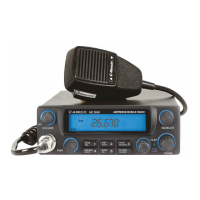
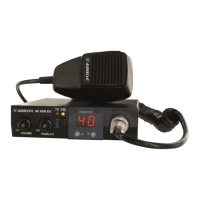
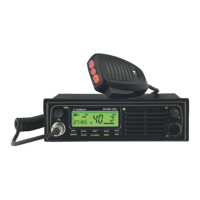
3 Controls
Front View
-
4 Operation
4.1 Power On/Off the radio
1. Turn VOL switch clockwise to power on the radio, the LCD displays the CB standard
followed by the channel number.
2. Turn the VOL knob counterclockwise, until it clicks. The radio is powered off.
4.2 Volume control
Turn clockwise to increase volume and turn counterclockwise to decrease volume.
4.3 Channel Selection
1. Shortly press microphone [UP] or [DN] to change working channel.
2. Hold microphone [UP] or [DN] to change the working channel fast.
4.4 Squelch level control (28 level and off)
1. Shortly press [SQ], until LCD shortly displays “SQ” and then displays X.X,
X.X stands for the SQ level.
2. Press microphone [UP] or [DN] shortly to change SQ level
3. Hold microphone [UP] or [DN] to change the SQ level fast.
4. Hold [SQ] or wait for 3 seconds to store and exit.
Note: Higher SQ level require a stronger signal to open the speaker and hear the
calling.
4.5 ASQ control (9 levels)
1. Hold [SQ] key, until LCD displays AQ, the ASQ function is turned on. The LCD will
display “A.X”, X stands for the ASQ level.


 To Next Page